

Webflow promised you freedom. But every interaction becomes a JavaScript headache.
The problem with Webflow? Excellent for static sites. Catastrophic as soon as you want interactivity.
*As Soon As Possible (tired of anglicisms)
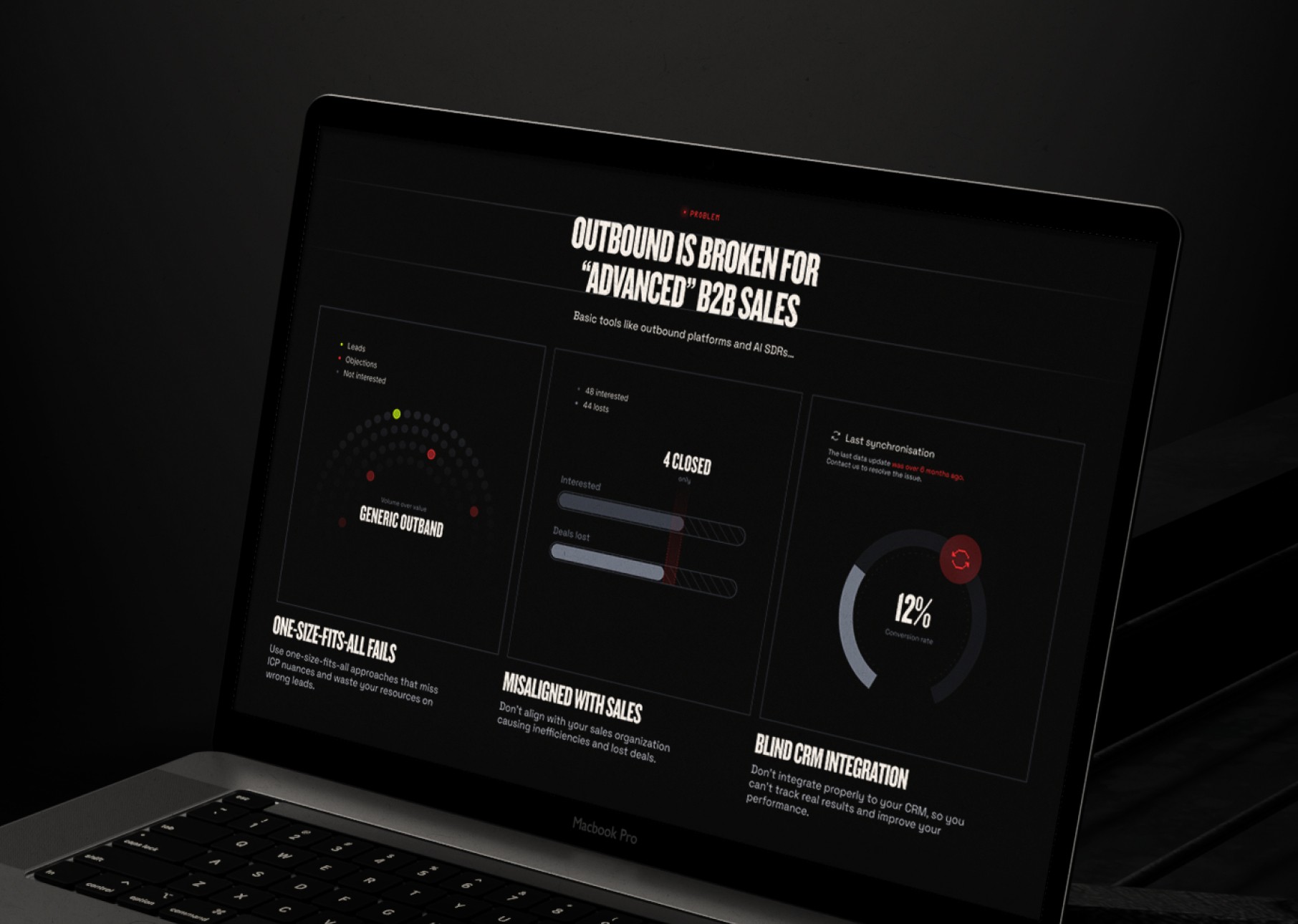
+340%
Average performance of animations (vs custom Webflow code)
7 days
Full migration delay (not 7 weeks)
£0
amendments after migration (unlimited iterations included)
Why Webflow costs you dear
Webflow is perfect for selling templates. Not for building custom experiences.
Custom animations ruin you
Each micro-interaction requires custom code. You pay a JavaScript developer for what Framer does natively. Result: budget blown, performance disastrous.
01 /
Complex interactions break your site
Scrollytelling, parallax, scroll animations: Webflow forces the use of third-party libraries (GSAP, Lottie). Guaranteed spaghetti code. Framer integrates everything natively.
02 /
Clean migration to Framer without breaking the design
At Dafolle, we rebuild your Webflow site in Framer with real React animations. SEO redirects. CMS migrated. Performance increased by 3 times.
03 /
Our ServicesWebflow to Framer
Everything you need, in a single subscription
01 /
React Native Animations
No more custom code. Framer uses Framer Motion (the number one React animation library). Performance guaranteed.
02 /
more powerful CMS
The Framer CMS manages relationships, filters, and search. Webflow CMS resembles a database from the 2000s.
03 /
Consistent design system
We are rebuilding your Webflow components into Framer variants. Global modification with one click.
04 /
Automatic SEO Redirections
We map each Webflow URL to Framer. Zero loss of organic traffic.
05 /
Performances x3
Framer generates optimized React code. Gone are the bloated Webflow code and unnecessary classes.
06 /
Training for independence
You will be trained in Framer in 1 hour (recorded video call). You can modify everything yourself afterwards.

Day 1
Audit & Export Webflow
We connect to your Webflow, we export assets, design system, CMS structure.
Day 1-2
Redesign
We are rebuilding your identity in Framer: components, variants, colour tokens.
Day 2-3
Animation migration
We translate your Webflow interactions into native Framer Motion animations. Guaranteed performance.
Day 3-4
CMS Configuration
We are migrating your Webflow CMS content to Framer collections. Articles, projects, everything is included.
Day 4-5
SEO Tests & Redirects
We configure all the 301 redirects, we test every page, every animation.
Day 5
Online publication & Training
We switch the DNS, we check the performance, we train you live.
Post-launch
Unlimited iterations
With a subscription, you can request unlimited adjustments. No amendments.
Webflow → Framer: it's not just changing tools
It's moving from a complex CMS for developers to a tool designed for product teams. If done well.
The tools we use for Webflow to Framer


Any questions? We respond within 48 hours.
It is known that entrusting your design to an external team,
raises some questions. Here are our answers.
How long does the migration from Webflow to Framer take?
Am I going to lose my Webflow animations?
Can Framer manage a CMS like Webflow?
How much does a migration from Webflow to Framer cost?
Are you also migrating the Webflow forms?
Can I modify my Framer site myself afterwards?
Is Framer as flexible as Webflow for customisation?
Can we keep our current domain name?
And what if we want to go back to Webflow afterwards?
Is SEO better on Framer than on Webflow?