



Webflow: Complex collections, native e-commerce, zero compromises
Does your project go beyond a simple blog? Complex collections, multi-level relationships, e-commerce: Webflow handles what others abandon.
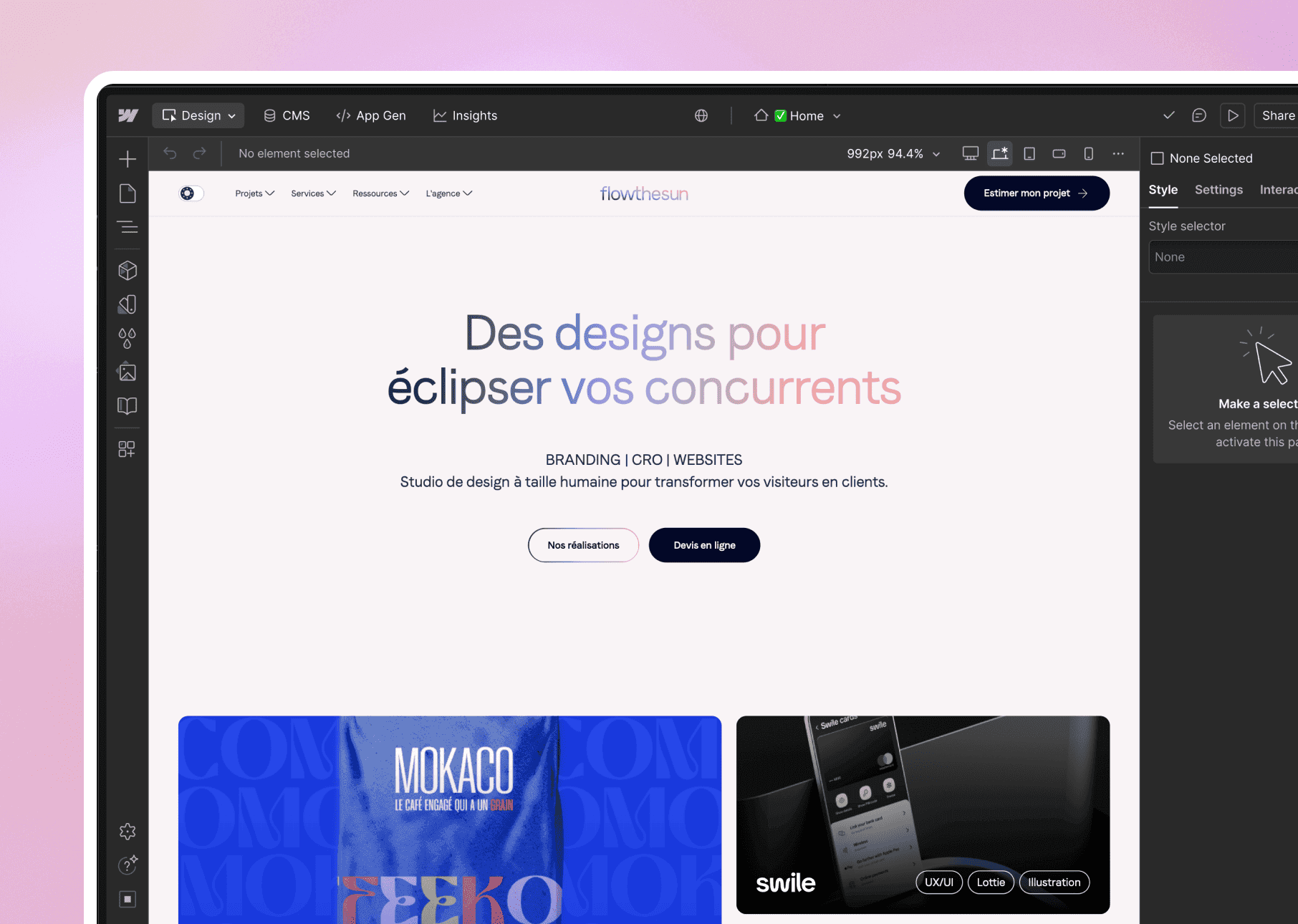

01
When the project requires a powerful CMS without sacrificing design freedom. Nested collections, native e-commerce, membership, API: Webflow is our scalpel for complex architectures that reject the mediocrity of WordPress.
Cases where we choose Webflow rather than Framer.
01 /
Powerful CMS
Nested collections, complex relationships, advanced filters. The CMS that does not limit you to basic blogging.
02 /
Native e-commerce
Integrated online store with up to 15,000 products. No need for a makeshift Shopify plugin.
03 /
Scroll animations
Complex interactions triggered by scroll, hover, click. Motion design without JavaScript.
04 /
Granular SEO
Full control over every meta tag, canonical, Open Graph. Google loves precision.
05 /
Membership
Member areas with native authentication. No more third-party tools like Memberstack.
06 /
Integrations
Complete REST API to connect your tools (Zapier, Make, CRM). Your data flows.
02
When we reach for Webflow ?
03
Why our teams use Webflow ?
"Webflow is our choice when the client needs a CMS that does more than just manage blog posts. Complex collections, e-commerce, membership: it all comes natively.”
04
The features of Webflow
01 /
Visual designer
Complete CSS control without coding. Flexbox, Grid, animations: everything is visually accessible.
02 /
Granular responsive
Up to 5 customizable breakpoints. Mobile, tablet, desktop: each device has its own design.
03 /
Automated workflows
Webhooks and Zapier/Make automations. Your forms trigger actions in your CRM.
04 /
Localization
Multi-language with integrated translation. International sites without heavy WordPress plugins.
05 /
Performance
Global CDN, automatic lazy loading, optimized images. Fast sites with no effort.
06 /
Editor mode
Your clients can edit the content without breaking the design. Simplified interface for non-designers.
Webflow isn’t the only tool in our kit





























Webflow vs. its cousins
We have done our research for you, and here is the verdict.

Webflow or Framer for my project?
Framer is for simple and quick websites. Webflow is for complex CMS, e-commerce, or multi-level architecture.
Is it really no-code?
Yes, but it requires understanding CSS concepts (Flexbox, Grid). More technical than Framer, but less than coding by hand.
Can I migrate from WordPress?
Yes, we handle the migration. Allow 2 to 4 weeks depending on the size of the site and the complexity of the CMS.
Is the CMS easy to use?
More than WordPress, less than Framer. We train you in 1 hour so that you can modify the content without breaking the design.
How much does it cost per month?
$23 to $212 depending on the plan and traffic. Hosting included, global CDN, no surprises.