

Jitter: the motion design tool that doesn't make you waste 40 hours on After Effects
20,000+ creative teams have swapped After Effects for Jitter. Intuitive timeline, exports Lottie/MP4/GIF with one click, 300+ ready-to-use templates.
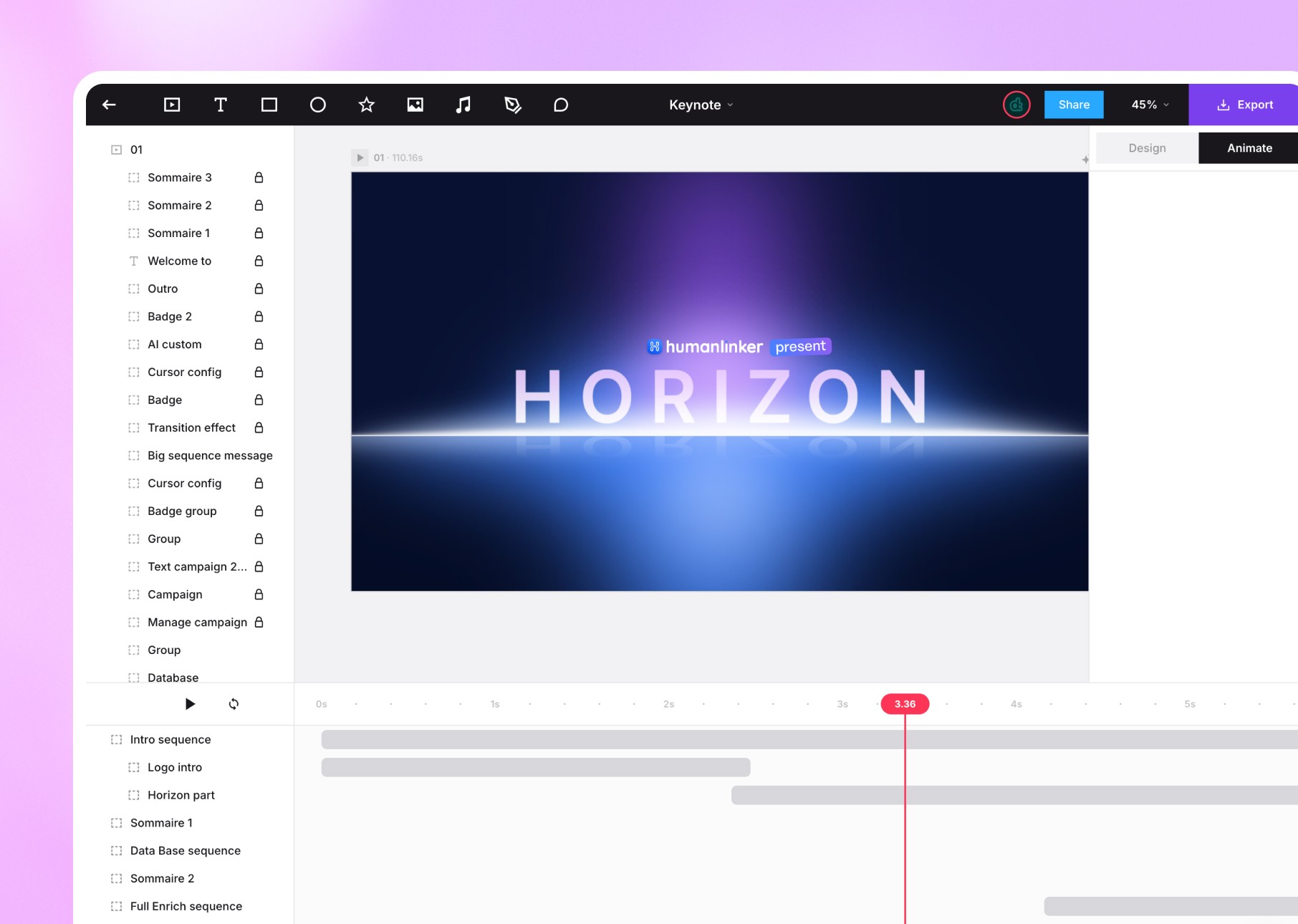

01
After Effects is 40 hours of training. Jitter is 40 minutes. We made our choice.
The cases where we choose Jitter
01 /
Browser animation
Zero installation. Zero updates. Chrome browser, and off you go.
02 /
Native Figma plugin
Import your designs directly. Over 300,000 designers are already using it.
03 /
Exports multiple formats
4K at 120 fps (MP4, ProRes, WebM), GIF or Lottie. All formats, one click.
04 /
Intuitive timeline
No incomprehensible Bézier curves. Align, stagger, repeat: it works.
05 /
Real-time collaboration
Comments, versions, sharing: like Figma, but for animation.
06 /
Ready-to-use templates
300+ free templates. Customize in 5 minutes. No design from scratch.
02
In what cases do we draw [our weapon]?Jitter ?
03
Why our teams useJitter ?
"Jitter has killed our dependence on After Effects. We animate faster, we export cleaner, we collaborate better.”

Lili S.
Motion designer
04
The features of Jitter
01 /
Animation without keyframes
Copy and paste your animations. Reuse them across multiple layers. No more manual redo.
02 /
Paths and morphing
Animations on custom paths. Morphing of vector shapes. Advanced animated typography.
03 /
Infinite canvas
Scale your animations for marketing, ads, brand, product. No format constraints.
04 /
Instant preview
No waiting rendering. Smooth navigation. Fast exports. Zero compromise on quality.
05 /
Design system compatible
Variables, reusable components, brand consistency guaranteed across all your animations.
06 /
API and integrations
Webhooks, automated exports, integration into your production workflows.
Jitteris not alone in our toolbox



































Jitterfacing his cousins
We have done our research for you, and here is the verdict.
Criteria
Jitter
After Effects
Lottie Files
Learning curve
Real-time collaboration
Native Figma plugin
Exports multiple formats
Price
Real-time rendering

We anticipated your questions.
It is known that entrusting your design to an external team,
raises some questions. Here are our answers.
Does Jitter replace After Effects?
Are Lottie exports compatible with Webflow/Framer?
Can I import my After Effects files?
Is it free?
Are you training our teams at Jitter?