

Photoshop 2024: when generative AI meets 35 years of photographic precision
The tool that professional photographers and creative studios use when the result must be perfect. Integrated Firefly AI, native Camera Raw, complete automation.
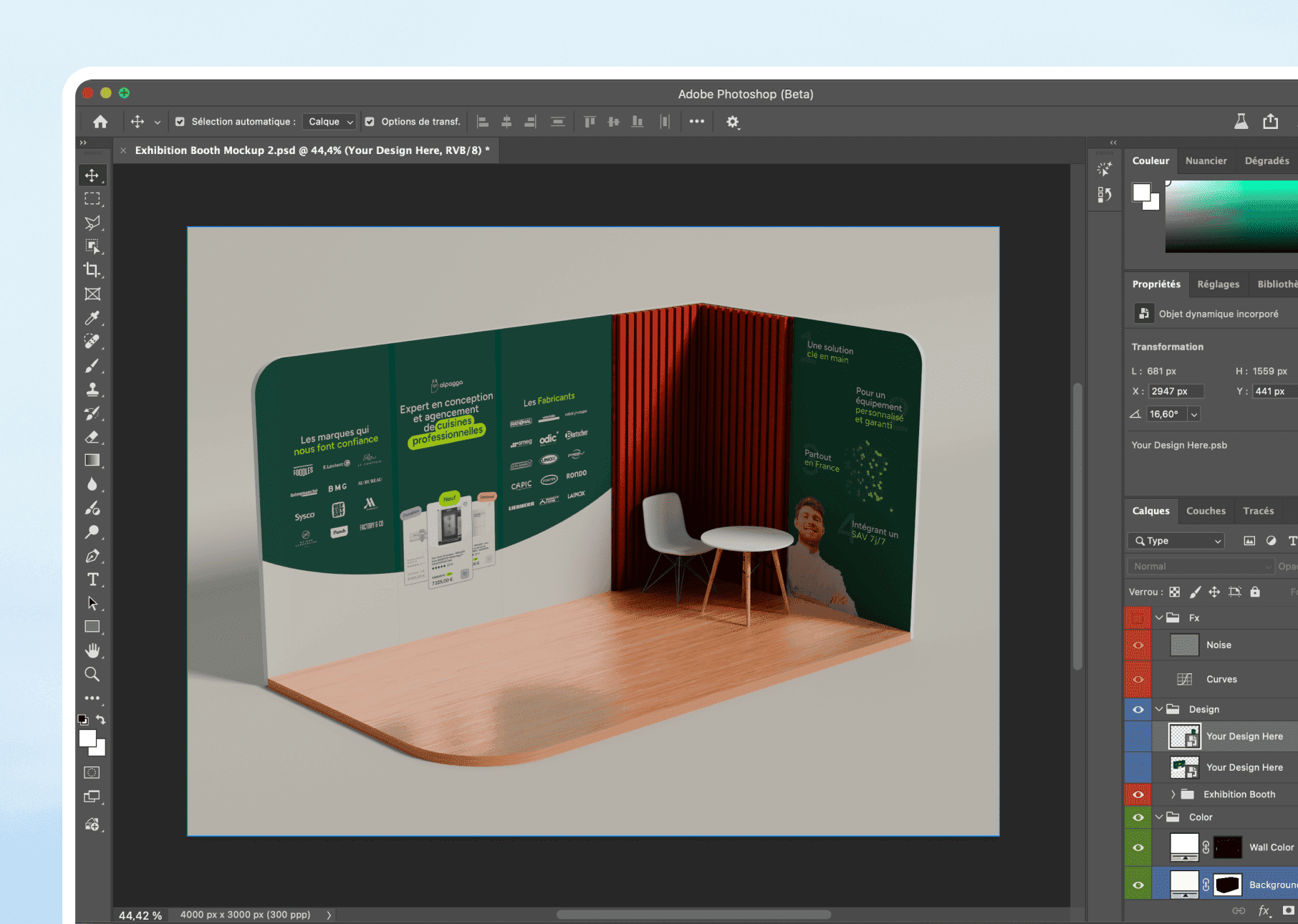

01
The industrial standard for photo retouching since 1990. Not for nostalgic folklore, but because in 2024, no other tool combines this pixel-by-pixel precision with such advanced AI features.
When choosing Photoshop rather than Figma
01 /
Generative AI (Firefly)
Generative filling, smart enlargement, automatic harmonization. AI creates realistic photographic content by analyzing the context.
02 /
Surgical photo retouching
Deletion of objects without a trace, advanced color correction, and blending masks. Pixel-perfect precision.
03 /
Non-destructive layers
Layer styles, smart objects, unlimited history. The original is never destroyed.
04 /
Advanced RAW processing
Integrated Adobe Camera Raw. Exposure correction, white balance, recovery of highlights on RAW files.
05 /
Scripting Automation
Actions, scripts, batch processing. We automate repetitive tasks on hundreds of images.
06 /
Creative Cloud Integration
Seamless integration with Illustrator, InDesign, Lightroom. Assets move without friction.
02
In what cases do we draw [our weapon]?Adobe Photoshop ?
03
Why our teams useAdobe Photoshop ?
"Photoshop is the tool we use when the result must be photographically perfect. No compromise on quality, no approximation on details.”

Helena Y.
Designer
04
The features of Adobe Photoshop
01 /
Generative filling 2.0
Describe what you want to add/remove. Firefly AI generates photographic content that is consistent with lighting and perspective.
02 /
Enhanced Delete Tool
Draw a loop around the unwanted object. The AI detects the edges and removes them cleanly.
03 /
Harmonise (2024)
Merge two images seamlessly. Photoshop automatically adjusts light, shadows, and colours.
04 /
Smart adjustment layers
Curves, levels, hue/saturation: all adjustments are stackable and infinitely modifiable.
05 /
Enhanced selection by AI
Selecting the subject, the sky, the hair with one click. The AI detects complex contours.
06 /
Export multiple formats
PSD, TIFF, PNG, JPEG, WebP. Colour profiles for print (CMYK) and web (RGB).
Adobe Photoshopis not alone in our toolbox



































Adobe Photoshopfacing his cousins
We have done our research for you, and here is the verdict.
Criteria
Photoshop
Figma
Canva
Photo retouching
generative photorealistic AI
Non-destructive layers
RAW Processing
Learning curve
Monthly price

We anticipated your questions.
It is known that entrusting your design to an external team,
raises some questions. Here are our answers.
Photoshop or Figma for my project?
Why is Photoshop so expensive?
Can I do web design with Photoshop?
Does generative AI replace photographers?
Do you deliver the source PSD files?