
The 10 essential Figma plugins for designers
Unsplash: The designers' favourite Figma plugin
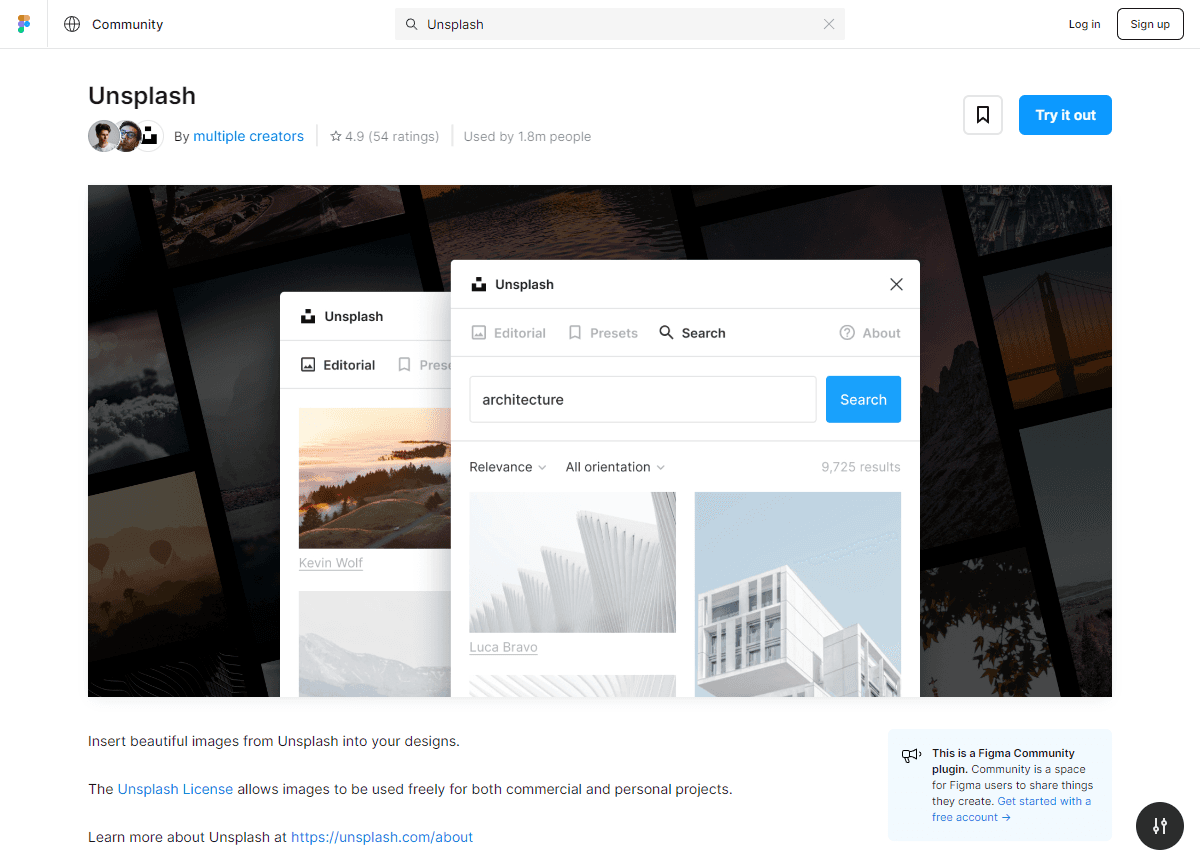
Unsplash is the Figma community’s favourite plugin. Why? Because it gives you access to a ton of royalty-free images directly in Figma. No more hours spent searching the web for the perfect photo. In just a few clicks, you can insert an image that will bring your design to life. And the best part? It’s completely free! Thanks to this plugin, you can easily add images to your layouts, making your Figma project even more realistic.
Content Reel: The king of content
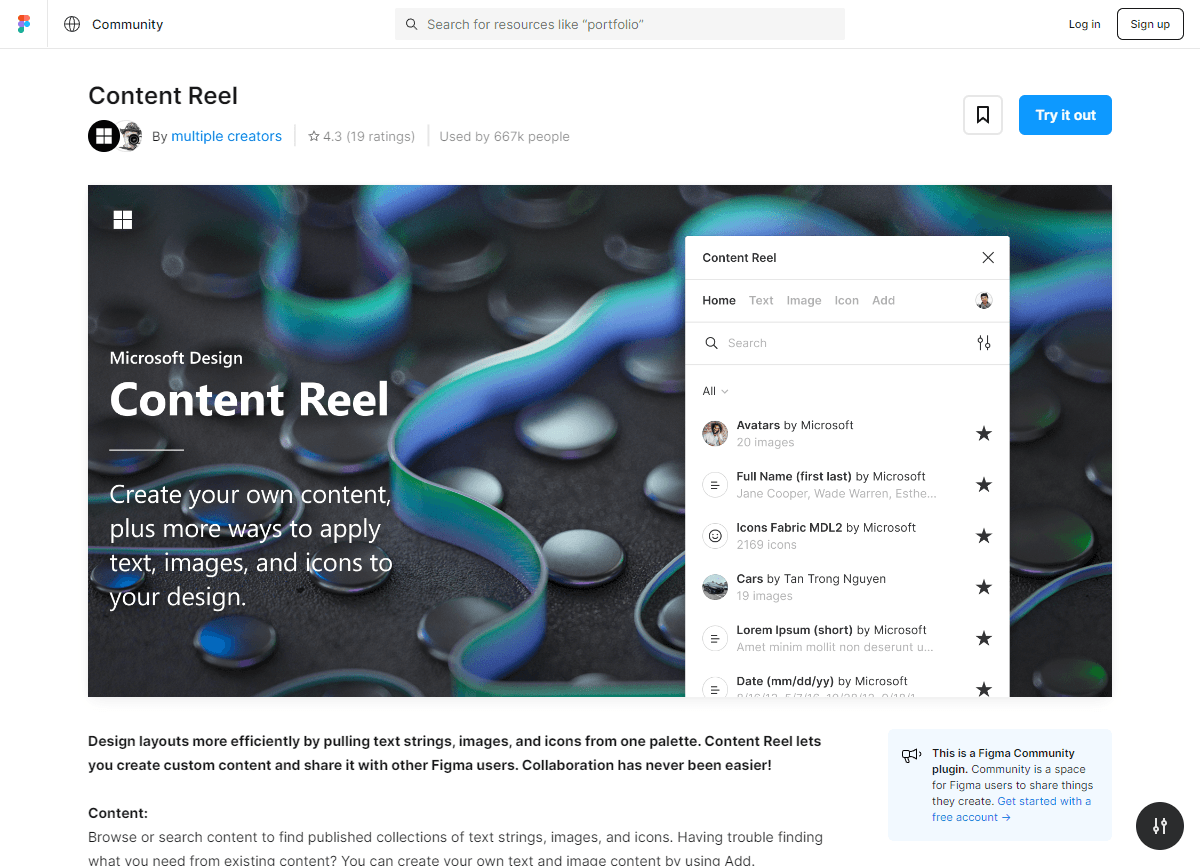
Content Reel is one of the most widely used Figma plugins. It allows you to quickly select and insert varied content, leaving you more time to focus on what matters most: design. Whether you need text, icons or other elements, this tool is your best ally. It makes creating mock-ups easier and allows you to create realistic designs easily.

Remove BG: The master of cutouts
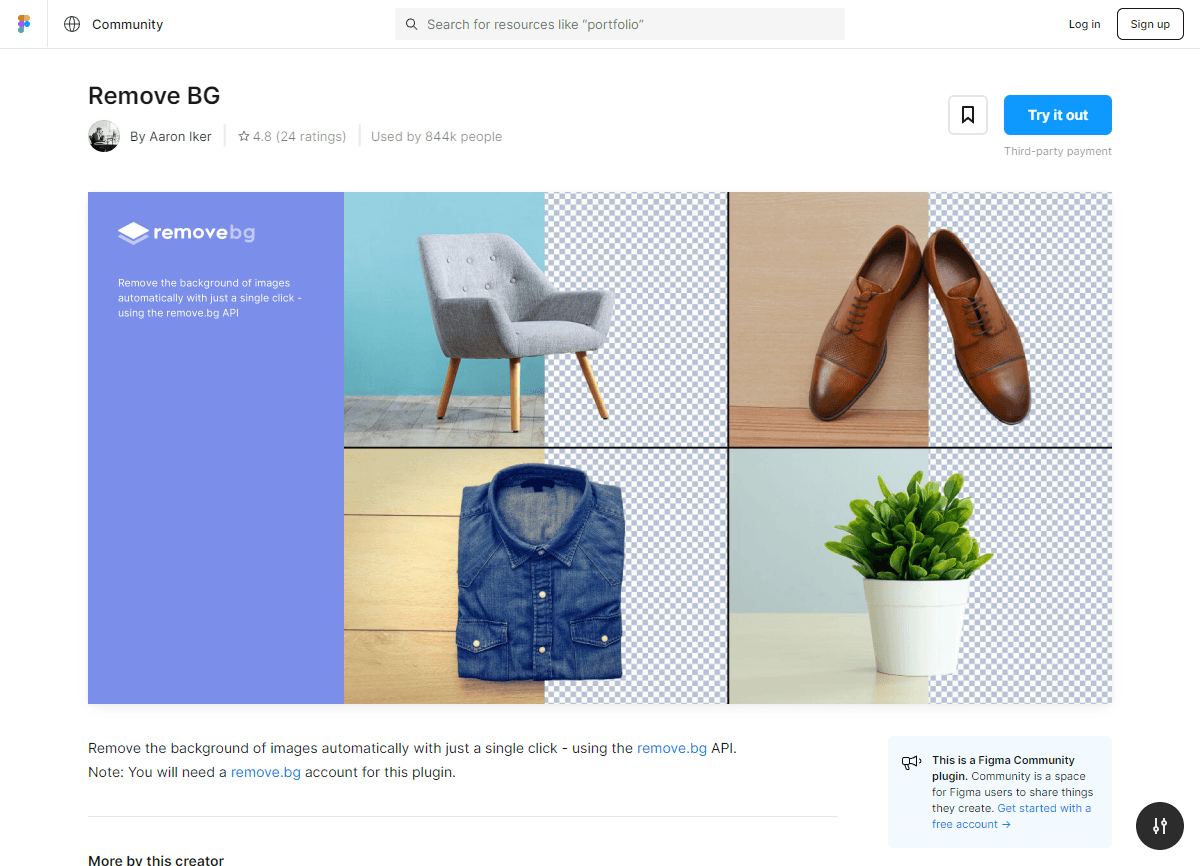
With Remove BG, cutting out an image becomes child's play. With a single click, you get a clean image, ready to be integrated into your Figma project. It's a phenomenal time-saver and a must-have for any designer. Figma users love this plugin for its simplicity and efficiency.
Lorem Ipsum: Because we all need it
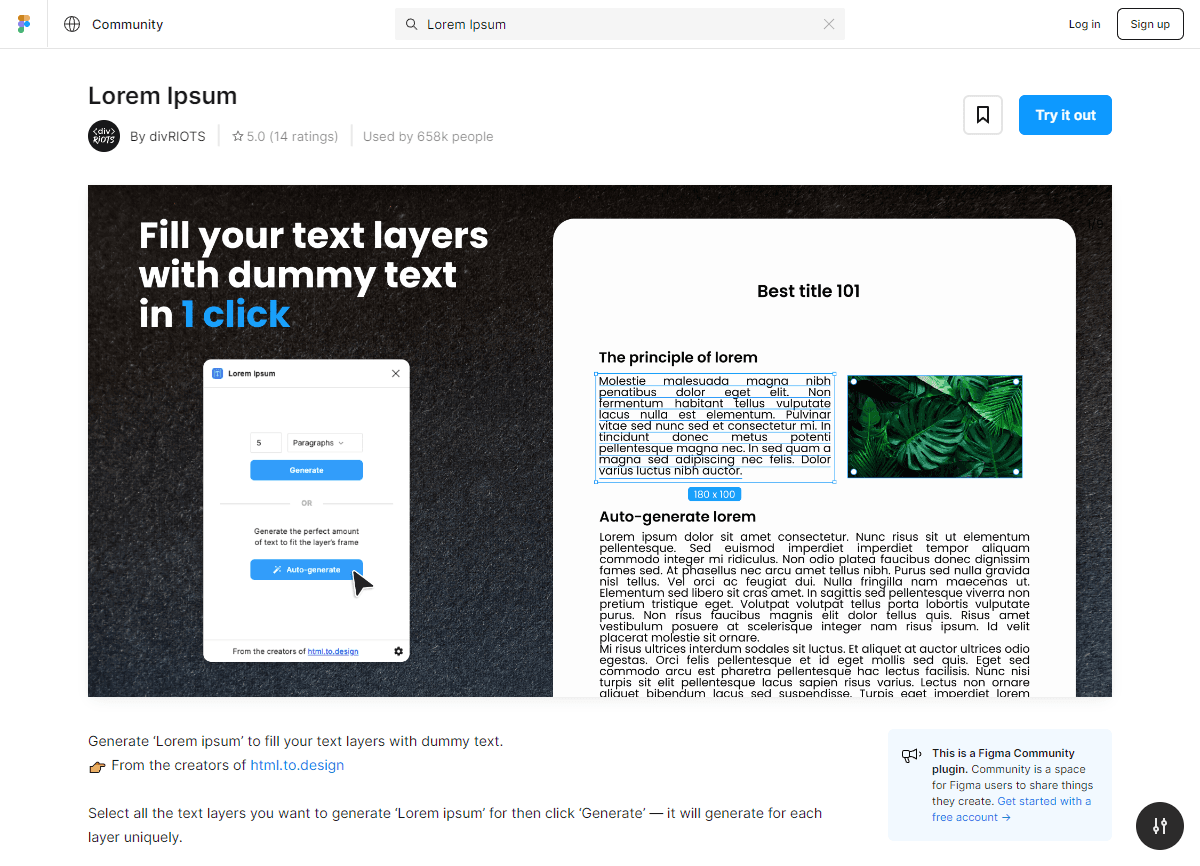
The Lorem Ipsum plugin for Figma is an essential tool for quickly generating placeholder text for your mock-ups. It lets you fill your designs with realistic content, helping you visualise what the final product will look like without worrying about creating real content.
LottieFiles: Animation at your fingertips
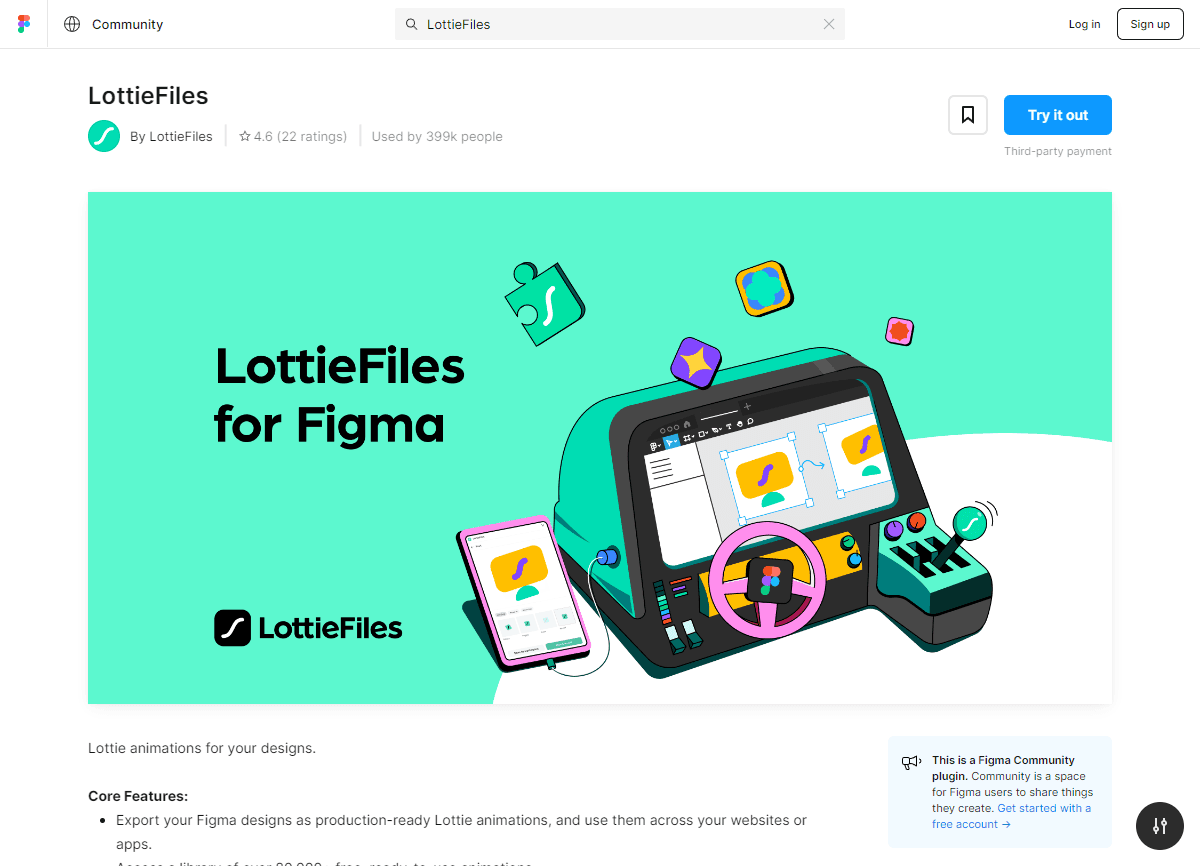
LottieFiles is one of the essential Figma plugins for all designers who like to add a touch of animation to their creations. These animations, lightweight and high quality, can greatly improve the user experience and bring your designs to life.
Conclusion
Morph: The magic of animation
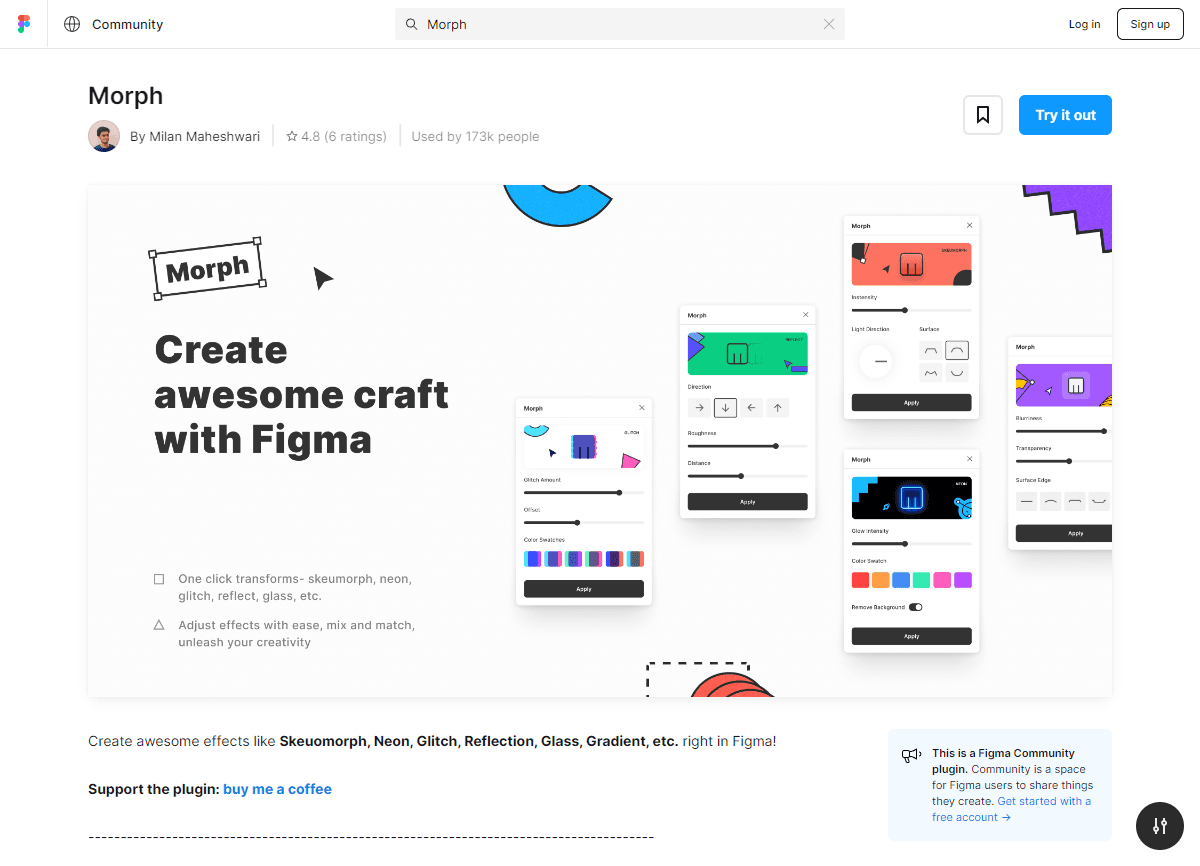
Morph is a plugin that lets you create smooth transition animations between different states of a design element. It's like adding a touch of magic to your design. You can visualise how elements evolve and interact, offering an even more immersive user experience
Google Sheets: For data lovers
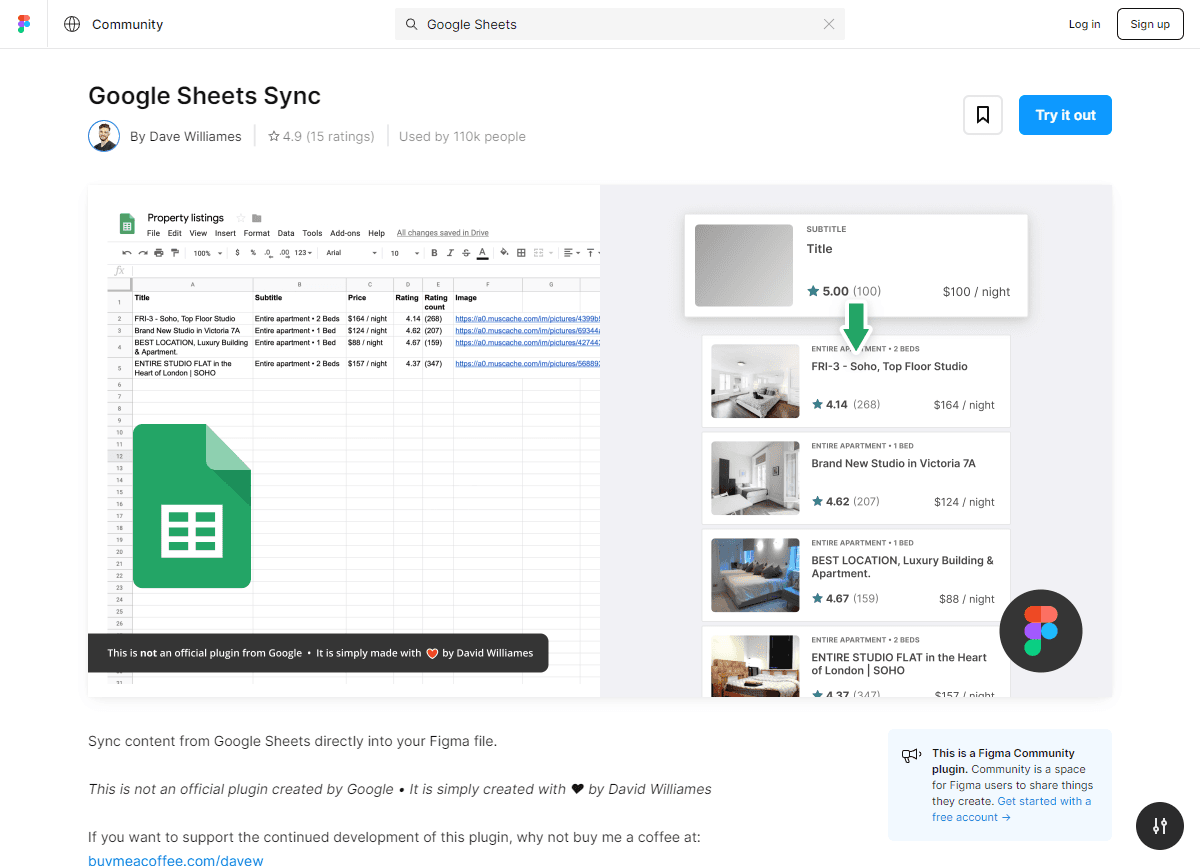
Google Sheets is perfect for designers who like working with real data. This plugin lets you import data directly from your Google spreadsheets, making your mock-ups more interactive and realistic.
WebGradients: The finishing touch
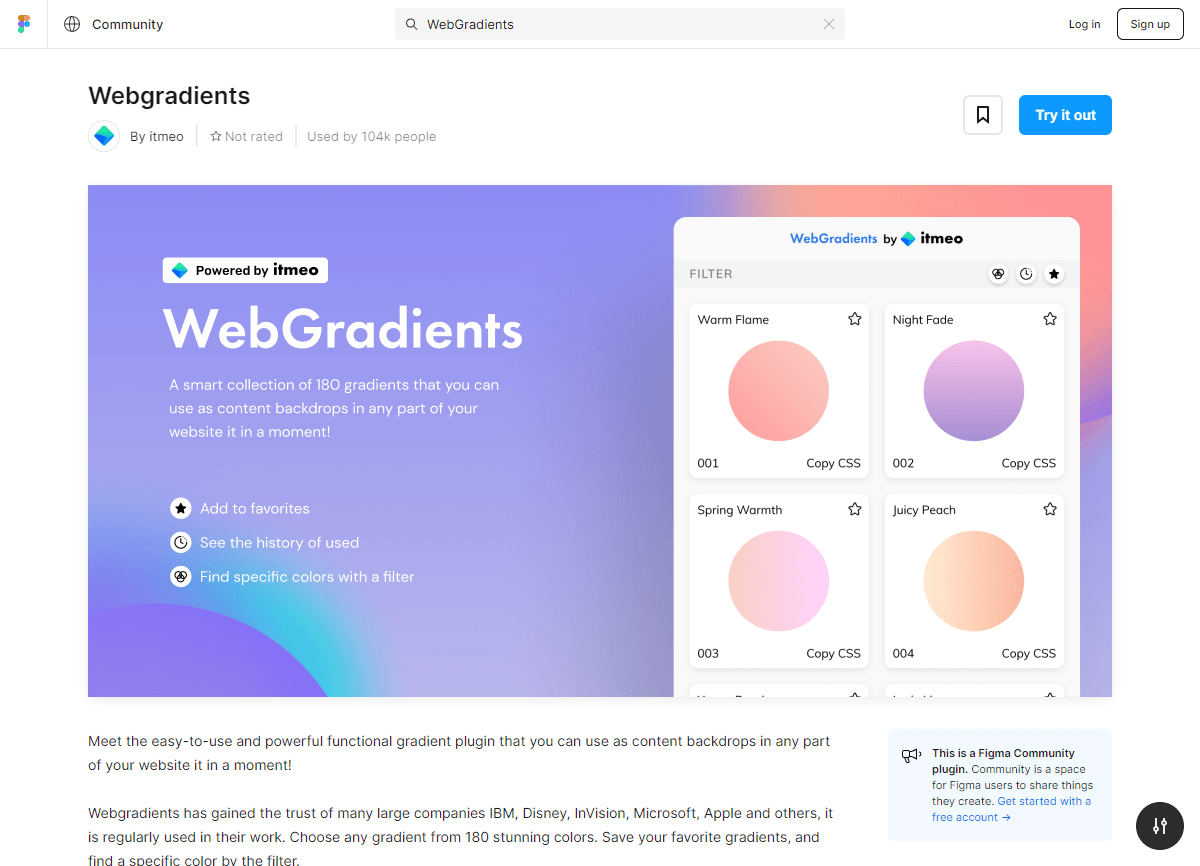
Gradients are life! With WebGradients, you have access to an impressive collection of ready-to-use gradients. Whether you're looking for something subtle or flashy, this plugin has what you need to add depth to your design.
Arc: For the details that matter
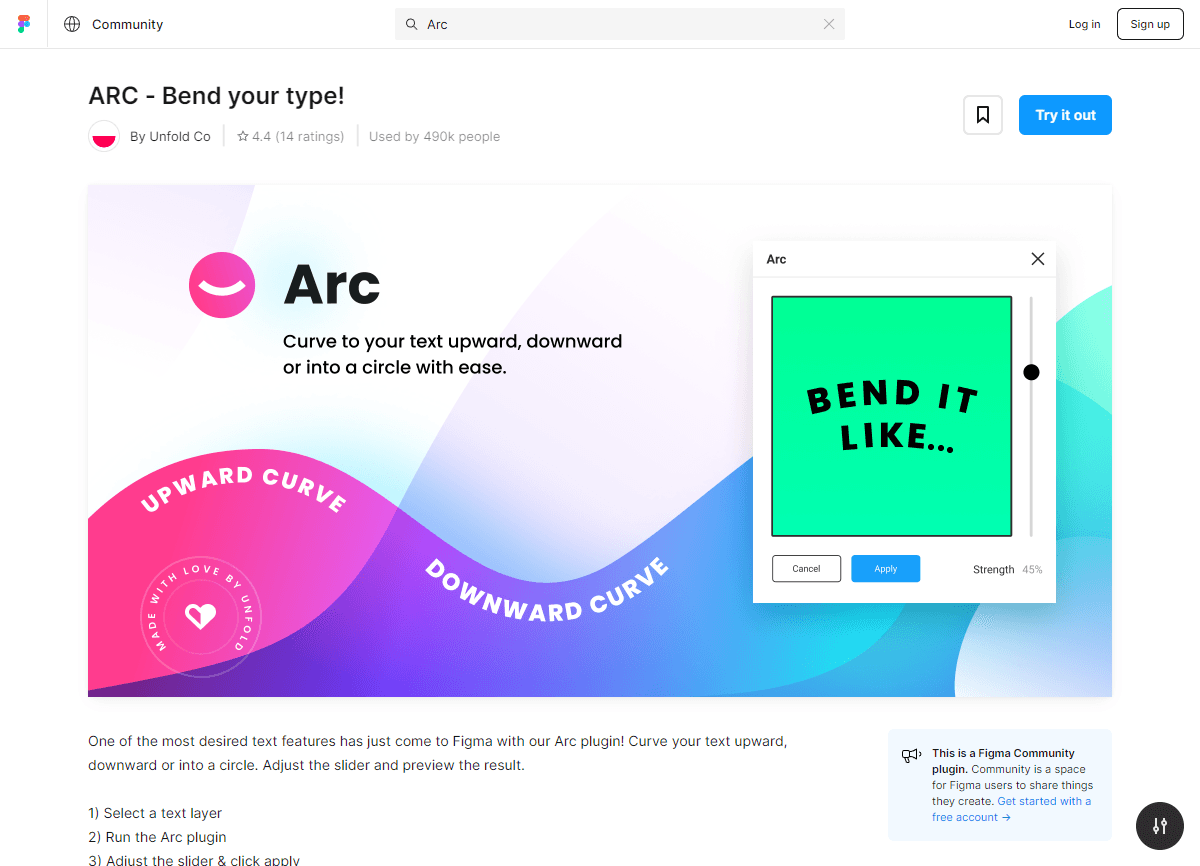
Arc is a little gem that lets you turn rectangles into arcs. It's the kind of detail that can really make your design stand out. And the best part? It's super easy to use!
Breakpoints: Responsive design simplified
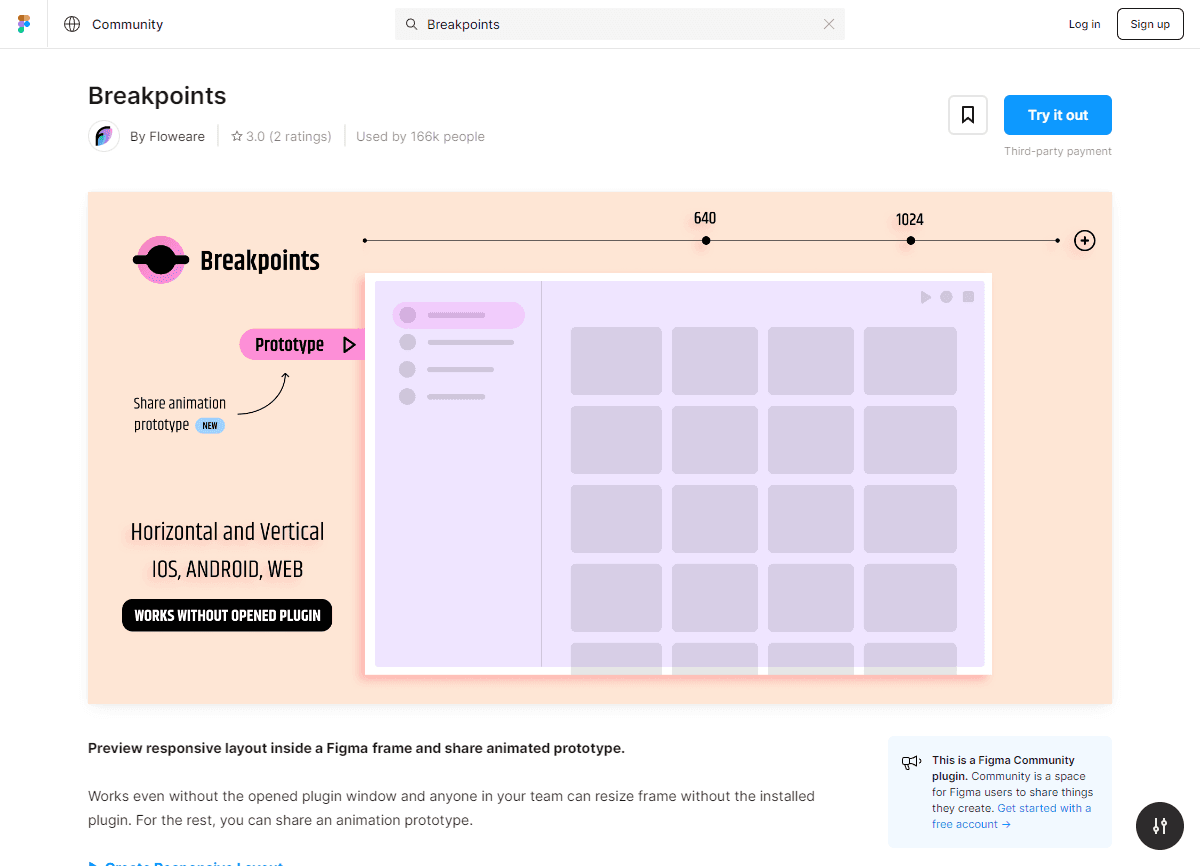
Today, a design has to be responsive. With Breakpoints, you can easily visualise and test your mock-ups on different devices and screen sizes. It's the perfect tool to make sure your design is on point, whatever the device.
Bonus 1 Iconify: The perfect icon at your fingertips
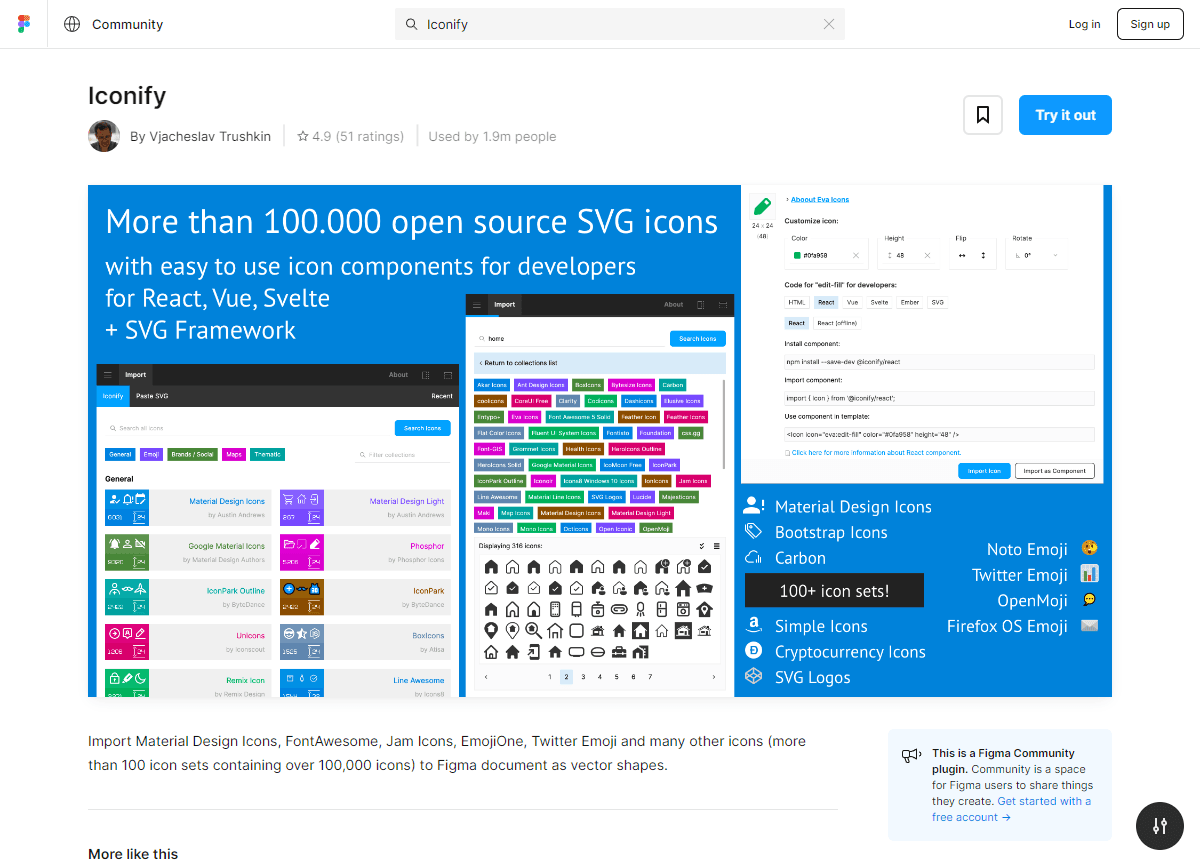
If you're like me, you know how tedious it can be to find the right icon for your design. But with Iconify, that problem is a thing of the past! This plugin gives you access to a vast library of icons in different styles and categories. Whether you need an icon for a button, a navigation bar or any other part of your design, Iconify probably has it. And the best part? You can insert these icons directly into Figma with a simple click. It's a real time-saver and a must for any self-respecting designer.
Bonus 2 VisualEyes: Test your design in real time
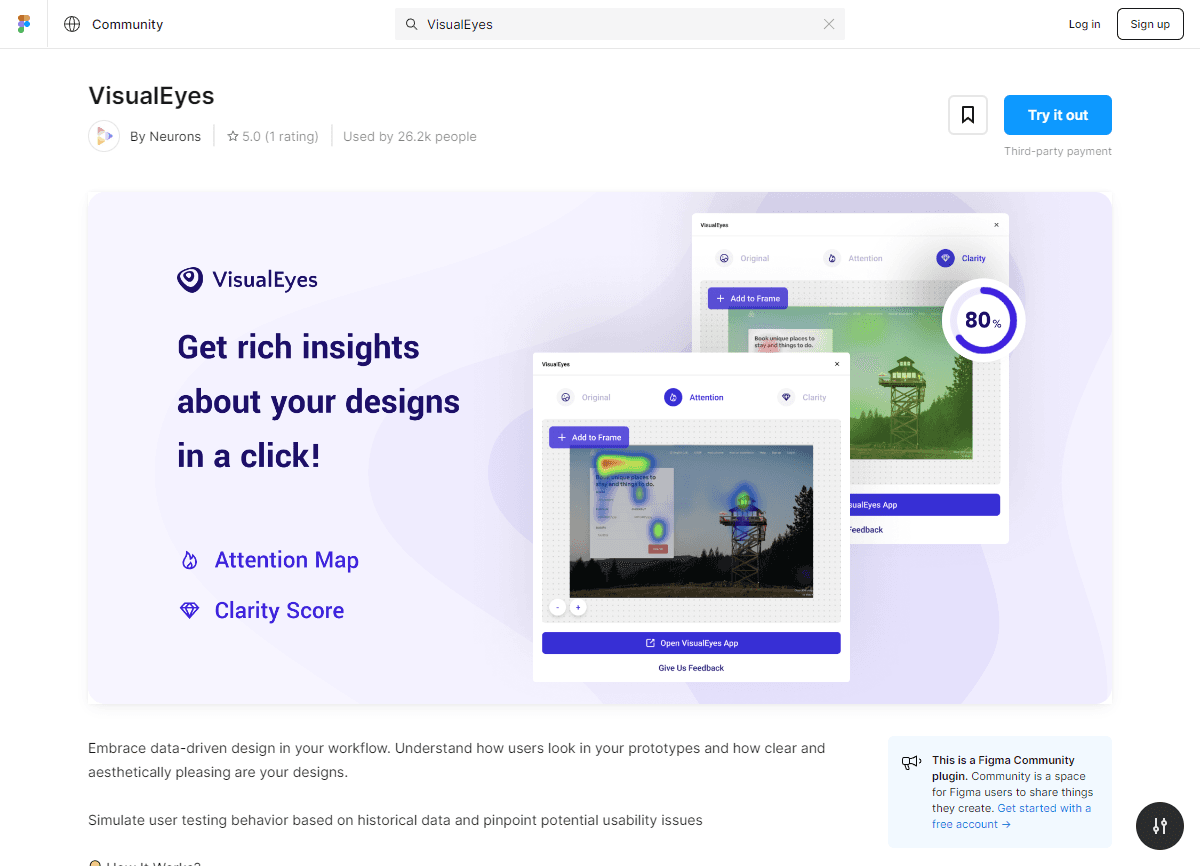
VisualEyes is a revolutionary plugin that changes the game for designers. It lets you test and analyse your design in real time, using eye-tracking technology. You can see where users are likely to look first, how long they spend on certain parts of your design, and much more. It's the perfect tool for getting instant feedback on your work and making sure your design is as effective as possible. If you haven't tried VisualEyes yet, I highly recommend that you do. You won't regret it!