

Unlocking the potential of Webflow: A guide for successful integration for your website
1. Integration of Google Analytics into Webflow: How to customize your website for better analysis
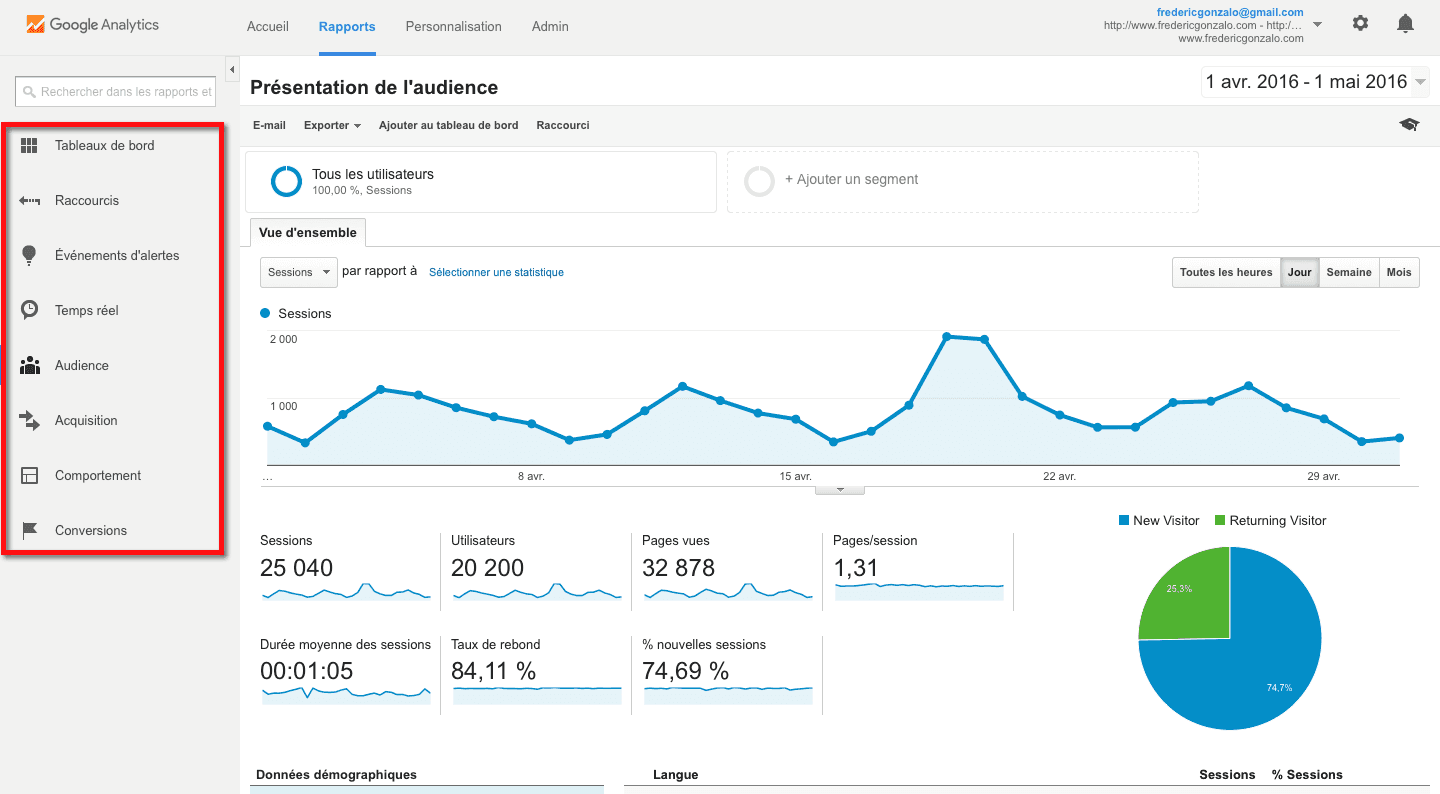
Google Analytics, is a bit like the brain behind your website. It’s a tool that collects data about your site’s visitors, their behaviour, where they come from, which pages they visit, how long they stay, and much more. In other words, Google Analytics gives you a 360-degree view of what’s happening on your site.
How the integration works
So, how do Webflow and Google Analytics work together? It’s simple. Once you’ve set up your Google Analytics account, you can integrate it directly into your Webflow site. This means that all the valuable data Google Analytics collects is directly accessible from your dashboard. No need to juggle between multiple platforms, everything is right there at your fingertips.
Specific benefits of this integration
Integrating Google Analytics offers many benefits. It allows you to track your site’s traffic, monitor trends and gather valuable insights about your audience. You can see which content is most popular, the paths users take on your site, and even where your visitors are located. This information can help you optimise your site to meet your users’ needs, improve your SEO, and increase your conversion rate. In short, it’s a real treasure trove of information that can help you take your site to the next level.
2. Create a community by integrating MemberStack with Webflow: Discover the members' area
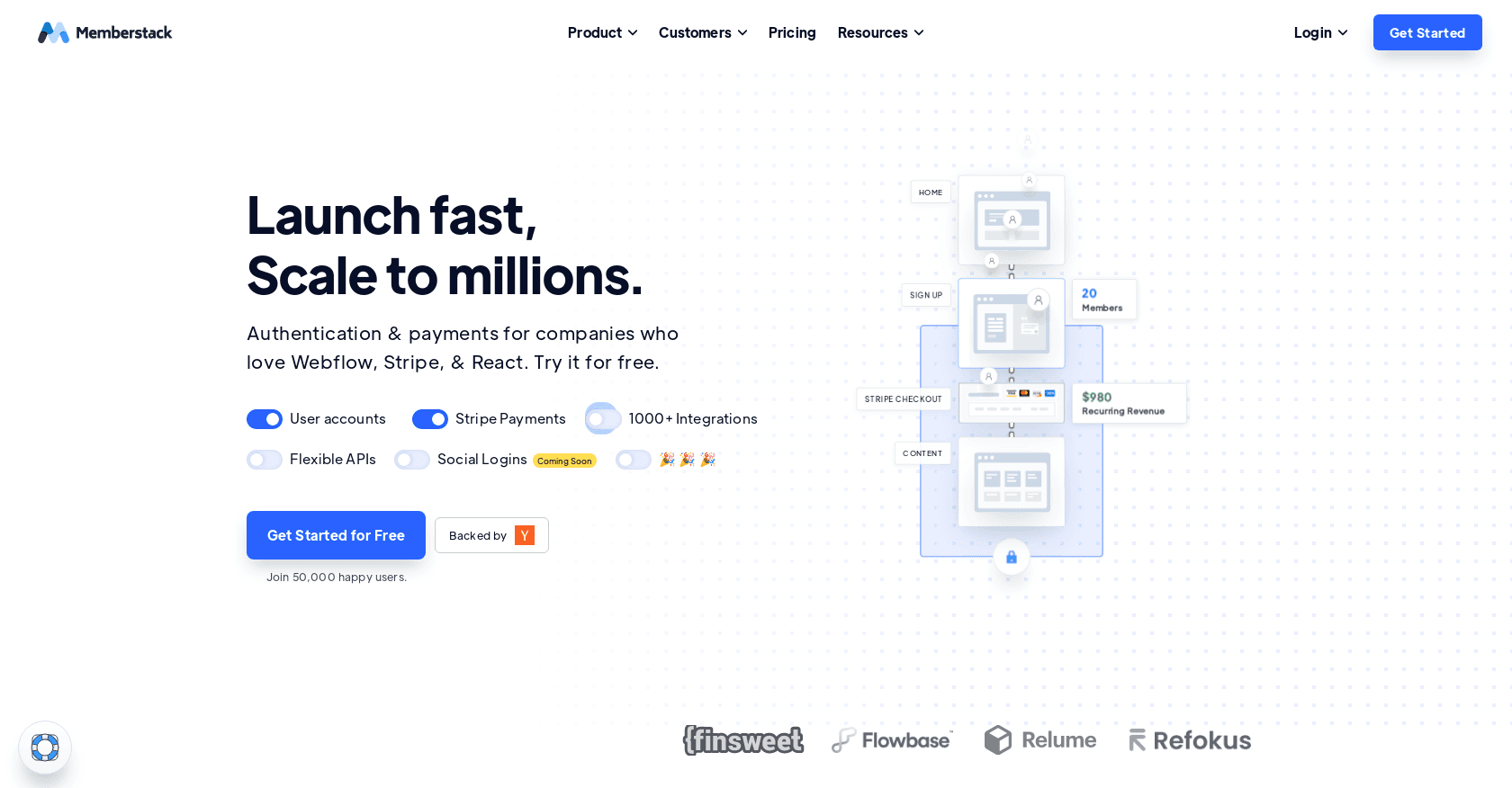
MemberStack, an incredibly flexible platform that lets you add membership features to your website. You may be wondering: "What does that mean exactly?" Well, imagine being able to turn your Webflow site into an exclusive community, with members-only areas, personalised client portals, unique dashboards and much more. That is exactly what MemberStack lets you do!
How the integration works
So, how does it work? It is simple. Once you have integrated MemberStack into your site, you can start creating membership tiers, defining members-only content, managing member sign-ups and payments, and even customising the user experience for each member. And the best part? All of this is done without needing to code!
Specific benefits of this integration
The benefits of integrating MemberStack are many. First of all, it allows you to expand your service offering and build customer loyalty by giving users a personalised experience. In addition, it gives you the ability to generate extra revenue through paid memberships. Finally, it enables you to create a community around your brand, which can increase user engagement and loyalty. In short, integrating MemberStack with Webflow can truly transform your website into a dynamic and profitable community platform.
So, what are you waiting for? If you are looking to add a community dimension to your Webflow site, MemberStack could well be the integration you have been waiting for. Try it and see for yourself how it can enrich your Webflow site!

3. Enhance your site with the integration of Jetboost into Webflow.
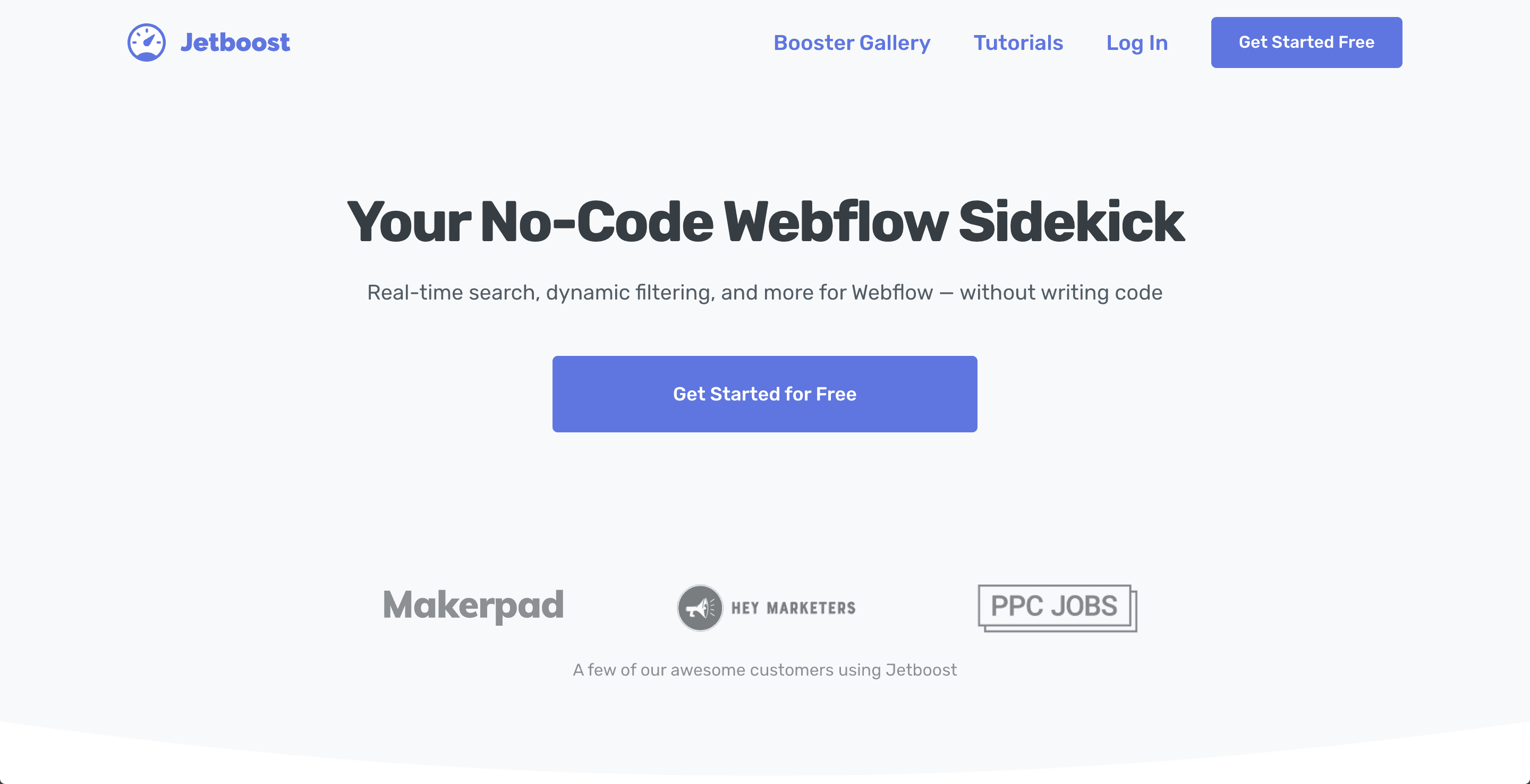
Jetboost is a tool that gives your site a significant boost. It is designed to increase your Webflow site's functionality by adding real-time search capabilities, dynamic filtering, and much more. In other words, Jetboost is like the superhero of your Webflow site, ready to make it more interactive and easier to navigate.
How the integration works
Wondering how all this works? It's simple. Jetboost integrates seamlessly with your site, adding features without you having to touch a single line of code. It only takes a few clicks to set up Jetboost and see it work its magic on your site. It's like having a personal assistant working behind the scenes to make your site perform better.
Specific benefits of this integration
What are the benefits of integrating Jetboost? Well, to start with, it makes your site more interactive and user-friendly for your users. Real-time search capabilities mean your users can find what they're looking for faster and more easily. Dynamic filtering allows your users to sort and filter content as they wish. Ultimately, Jetboost improves the user experience, which can lead to greater user satisfaction and, potentially, increased traffic and conversions. It's like giving your site a turbo boost to make it even better.
4. Simplified automation: The integration of Zapier with Webflow
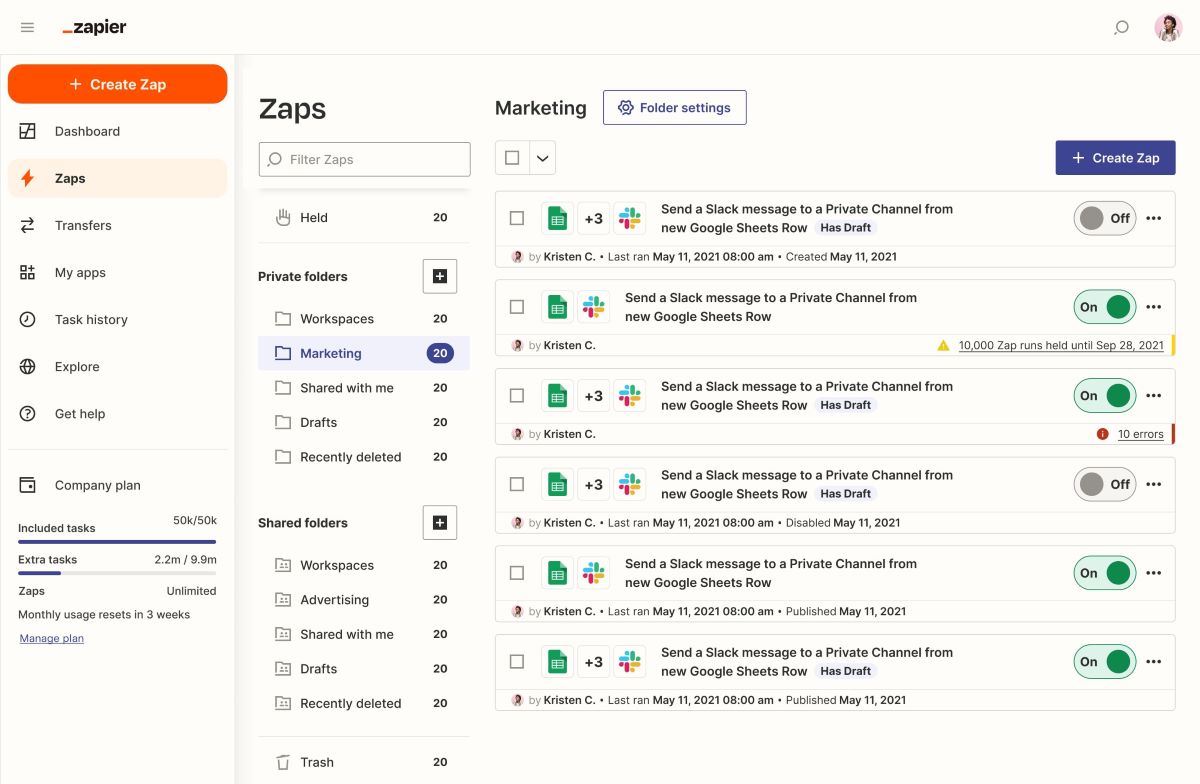
Zapier is an automation tool that connects your favourite applications to make your work easier. It is like an invisible conductor ensuring that all your applications play in harmony.
How the integration works
Integrating Zapier with Webflow is child’s play. You can connect this platform to more than 1,000 other applications. Wondering how it works? Well, Zapier creates what are called "Zaps", which are essentially automations between your applications. For example, you can create a Zap that automatically sends an email to a new customer when they sign up on your Webflow site. It is like having a personal assistant working for you in the background.
Specific benefits of this integration
Integrating Zapier can save you valuable time and increase your efficiency. You can automate content updates, form responses, integrations with social media or customer relationship management systems. Imagine no longer having to worry about repetitive and tedious tasks. With Zapier, you can focus on what really matters: creating an amazing website with Webflow.
Give your site the boost it deserves with Zapier integration. You will be amazed at how much your workflow can be simplified.
5. Transform your site into an online store with the integration of Shopify into Webflow
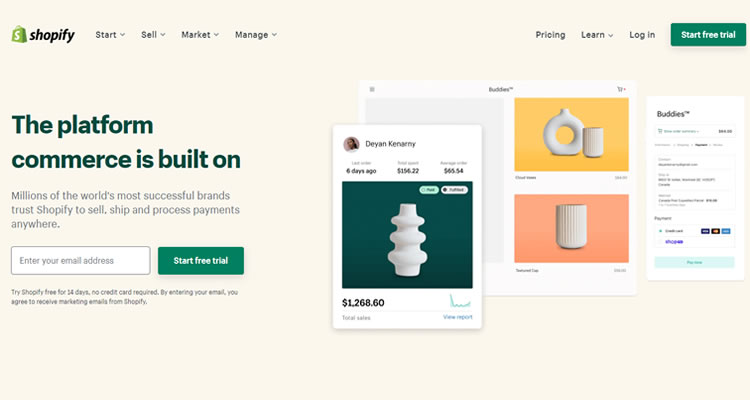
Get ready to discover an integration that will transform your site into a true online sales machine. Of course, we’re talking about Shopify, the e-commerce giant you probably already know. If that’s not the case, don’t worry, we’ll explain everything.
Shopify is an e-commerce platform that allows anyone to create their own online shop. It is used by millions of people around the world, from solo entrepreneurs to large companies. With Shopify, you can sell products, manage inventory, process payments and much more. It’s like having a physical shop, but online and without the hassle of day-to-day management.
How the integration works
Integrating Shopify with Webflow is child’s play. You can add products to your site, manage your inventory, process payments and do all of this without leaving the platform. You can even customise the look of your shop so that it matches your brand perfectly. It’s like having a tailor-made shop, without the cost of a professional designer.
Specific benefits of this integration
One of the biggest advantages of Shopify integration is the flexibility it offers. You can create a robust online shop without compromising the beauty of your design. What’s more, you can manage your online shop directly from Webflow, which greatly simplifies the process. Finally, Shopify is known for its reliability and security, which means you can sell with confidence, knowing that your transactions are secure.
So, if you’ve always dreamed of launching your online shop or if you’re looking to improve your existing one, integrating Shopify with Webflow could well be the solution you’ve been waiting for. Go on, give it a go and see for yourself what this powerful integration can do for you!
Conclusion
6. Simplified data management: Integrating Parabola with Webflow
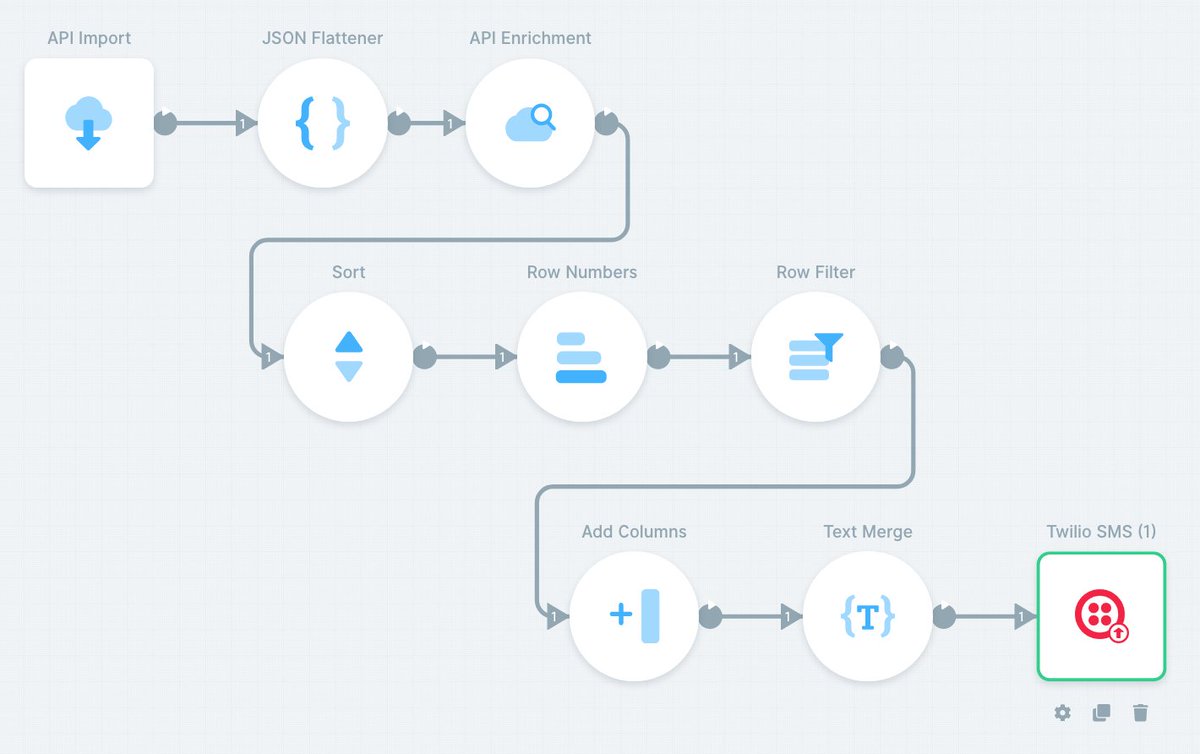
Parabola, a fantastic tool that will save you valuable time. Parabola is a data task automation tool that allows you to connect, manipulate and visualise your data in a simple and intuitive way. Think of it as a personal assistant for your data, always ready to help you organise and understand it.
How the integration works
So, how does Parabola integrate with Webflow? It's as easy as pie. Once you've connected Parabola to your account, you can start automating your data tasks. Whether you want to generate reports, manage stock levels or carry out complex data processing tasks, Parabola is there to help. All you need to do is define your rules and workflows, and Parabola takes care of the rest.
Specific benefits of this integration
Integrating Parabola offers many benefits. First of all, it saves you time by automating your data tasks. No more spending hours sorting and organising your data; Parabola does it for you. What's more, Parabola gives you great flexibility when it comes to manipulating your data, allowing you to use it in a more efficient and creative way. Finally, integrating Parabola with Webflow helps you get the most out of your data, by helping you make informed decisions based on accurate, up-to-date information.
7. Visual data management with Airtable integrated into Webflow
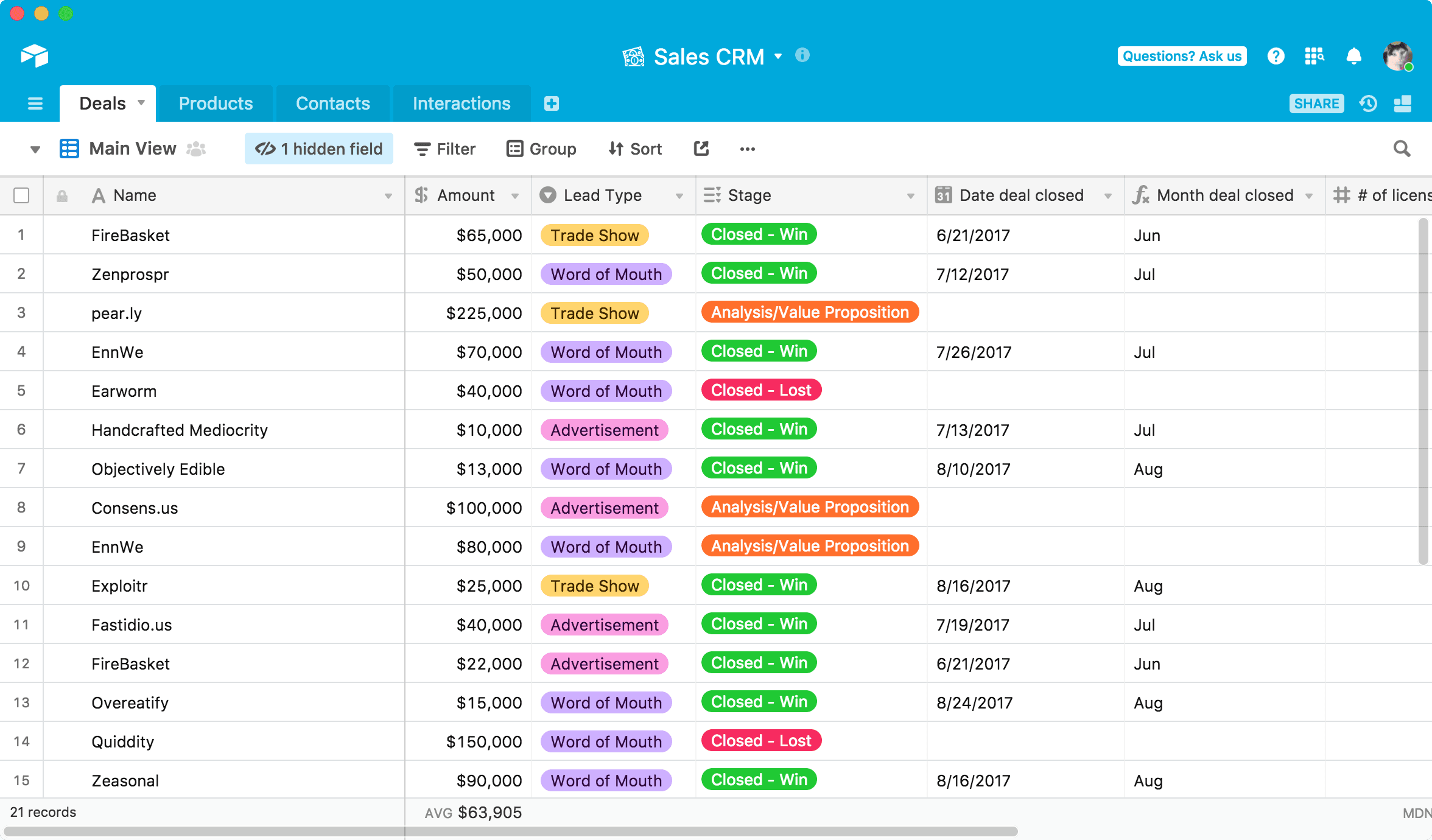
An integration that will revolutionise the way you manage data on your site. Get ready to discover Airtable !
Airtable is a bit like a spreadsheet that has gained superpowers. It's a flexible database management tool that lets you create, organise and manipulate information in an intuitive, visual way. Imagine an Excel table, but prettier, more fun and, above all, much more powerful.
How the integration works
So, how does it work with Webflow? Well, it's as easy as pie. Once you've created your database in Airtable, you can integrate it into your site. That means you can use Airtable data to power your website. You can create databases for your site, organise content, and even use Airtable data to power your website. It's like having a personal assistant taking care of all your data.
Specific benefits of this integration
Integrating Airtable offers a multitude of benefits. First of all, it allows you to manage your data in a more efficient and organised way. No more juggling between different tools; everything is centralised in one place. What's more, thanks to Airtable's flexibility, you can customise your databases to suit your specific needs. Finally, this integration allows you to automate certain tasks, such as updating content on your site, which saves you valuable time.
There you have it, now you know all about integrating Airtable with Webflow! So, are you ready to give your data management a boost? We'll be back very soon to talk about another equally exciting integration. See you soon!
8. Improve your site's functionality with Elfsight integrated into Webflow

Elfsight, a platform that will transform your site into a true Swiss army knife for the web. Wondering how? Hang on, we'll explain everything.
Elfsight is a bit like the toolbox of the web DIY enthusiast. This platform offers a range of widgets that you can integrate into your website. Need an elegant contact form? Elfsight has it. Want to display customer reviews to reassure your visitors? Elfsight has that too. Image galleries, social media feeds, interactive maps... the list goes on. In short, Elfsight is here to help you add functionality to your site without needing to code.
How the integration works
Integrating Elfsight with Webflow is a doddle. All you need to do is choose the widget you want, customise it to suit your needs, then copy the code provided by Elfsight. Next, all you have to do is paste that code into an embedded HTML element on your site. And there you go, your widget is ready to use!
Specific benefits of this integration
Integrating Elfsight can really boost your site's functionality. It lets you add interactive elements that improve your users' experience and make your site more appealing. What's more, all Elfsight widgets are fully responsive, which means they adapt perfectly to all screen types, whether your visitors are using a computer, tablet or smartphone. Finally, Elfsight allows you to keep full control over your site's design, because each widget can be customised to blend perfectly with your brand style.
9. Simplified team communication: Integrating Slack with Webflow
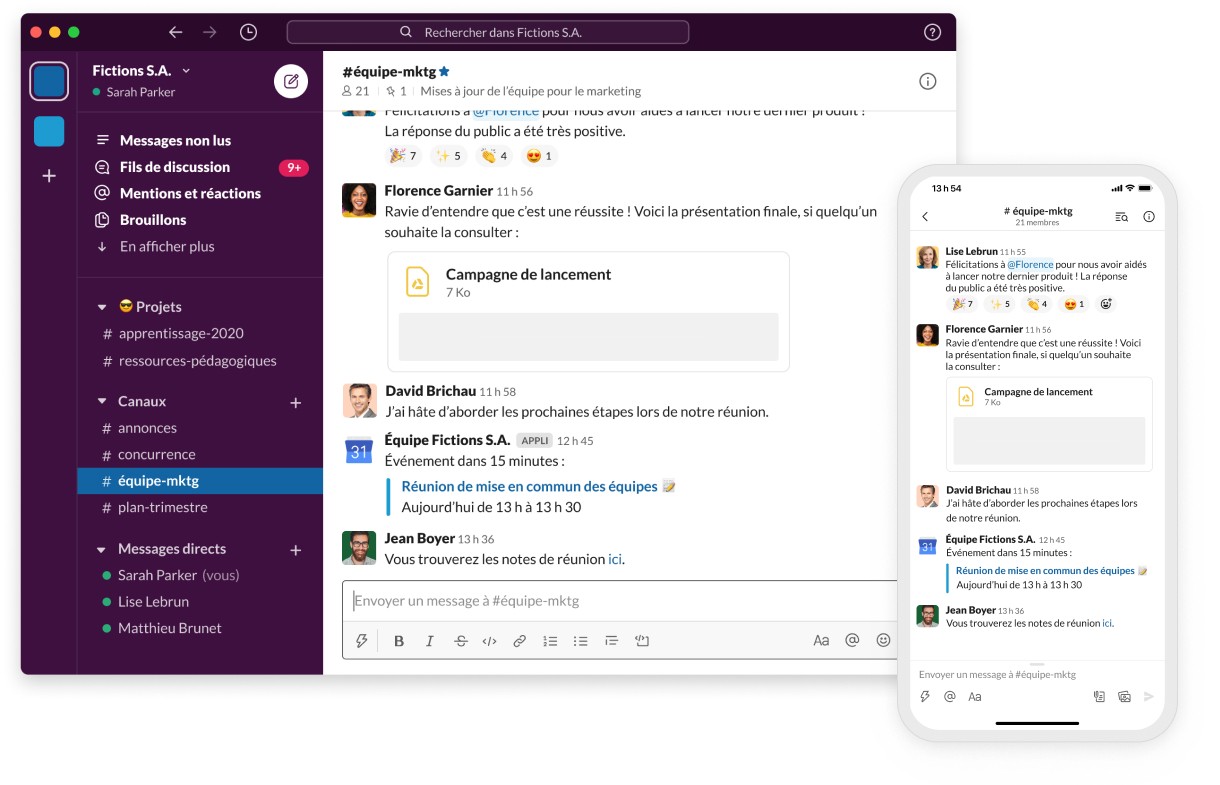
Ah, Slack! Who hasn't heard of this collaboration tool that has revolutionised the way teams communicate? If you haven't jumped on the bandwagon yet, let us introduce it to you.
Slack is a team communication tool that makes collaboration in real time easier. It's designed to make teamwork as smooth and efficient as possible, allowing team members to share ideas, files and even office jokes, all in a friendly digital workspace.
How the integration works
So, how does Slack integrate with Webflow? Well, it's simple. By integrating Slack, you can receive notifications for important events relating to your site, such as form submissions or content updates. It's like having a live news feed for your Webflow site, right inside your Slack workspace.
Specific benefits of this integration
One of the main benefits of this integration is that it keeps your team informed and in sync. No more constantly checking your site for updates or new form submissions - you'll get a notification straight in Slack. That means less time spent switching between tabs and more time focusing on what really matters: creating an amazing website.
In short, integrating Slack with Webflow is like having a personal assistant keeping you up to date with everything happening on your site. It's a fantastic way to keep your team connected and your project on track. So why not give it a go?
10. Strengthen your email marketing strategy with Mailchimp integrated into Webflow
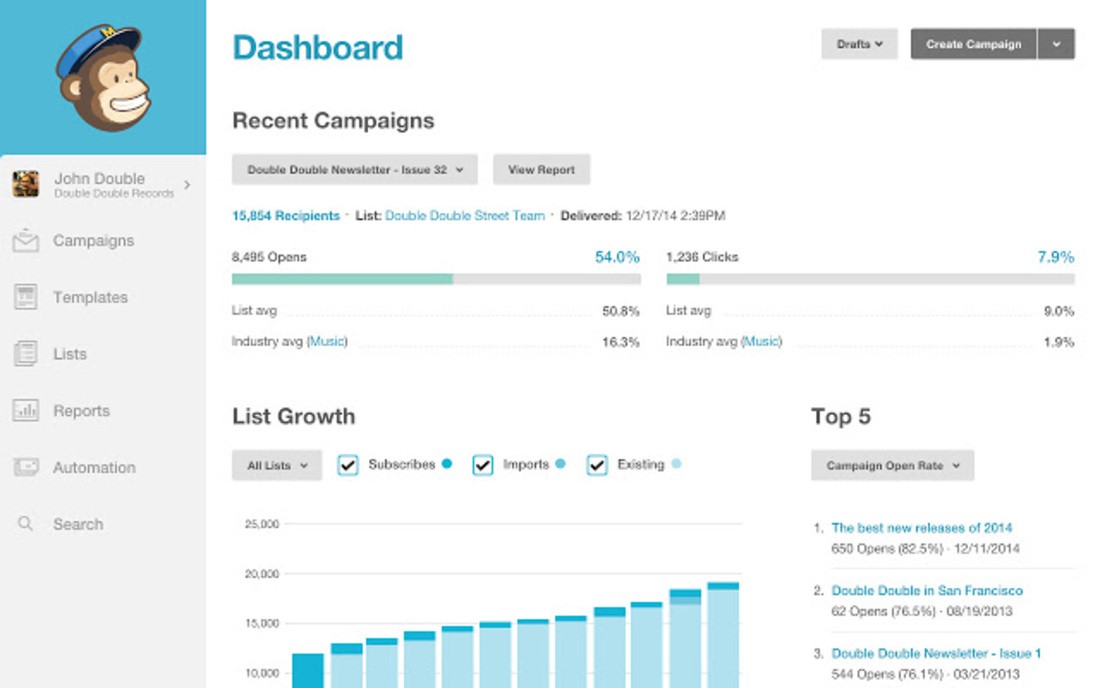
You've probably already heard of Mailchimp, one of the leaders in email marketing. It's a fantastic tool that helps you stay in touch with your audience, share news, special offers and much more. With Mailchimp, you can create engaging email campaigns that capture your users' attention and encourage them to engage with your brand.
How the integration works
Integrating Mailchimp with Webflow is a doddle. You can add newsletter sign-up forms directly to your site. Once your users sign up, their information is automatically sent to your Mailchimp list. What's more, you can manage your email campaigns directly from the platform, making the process even smoother.
Specific benefits of this integration
Integrating Mailchimp offers a multitude of benefits. First of all, it makes it easy for you to collect email addresses for your newsletter. Next, it simplifies the management of your email campaigns, allowing you to do everything from a single platform. Finally, it gives you the ability to personalise your emails so that they perfectly match your brand, which can help boost audience engagement.
In short, integrating Mailchimp with Webflow is an excellent way to strengthen your email marketing strategy. So why not give it a try and see how it can help you achieve your marketing goals?
Conclusion
Integrations offer a wide range of features that can improve your site's performance, automate tasks and enhance the user experience. Whatever your goals, there is probably a Webflow integration that can help you achieve them. Feel free to explore these options and find the ones that best suit your needs.
Thank you for reading our article on the 10 best integrations for your site. For more tips and advice on using this platform, feel free to check out the other articles on our blog..