

Useberry: test your prototypes with real users, no code, no nonsense.
Instant UX crash test: your mockups are put on trial by real users. No more debates, it's time for raw feedback.

01
Because an untested design is a risky bet. Useberry turns your mockups into a playground for users: you observe, you adjust, you win.
Why choose Useberry?
01 /
Genuine feedback, decisive decisions
We no longer rely on the project manager's opinion: it is the users who decide.
02 /
Rapid tests, immediate results
You start a test in 5 minutes, you analyze the feedback on the same day.
03 /
Compatible with Figma, Sketch, XD
No matter your design tool, Useberry adapts.
04 /
No code, no excuse
No developer required. Even the intern can run a test.
05 /
Visual and data analysis
Heatmaps, journeys, stats: everything is there to understand where it is getting stuck.
06 /
Less debate, more action
The numbers speak, meetings shorten.
02
In what cases do we draw [our weapon]?Useberry ?
03
Why our teams useUseberry ?
"Useberry is the crash test that saves weeks of unnecessary discussion.”

Alexandra C.
Designer
04
The features of Useberry
01 /
User testing on mockups
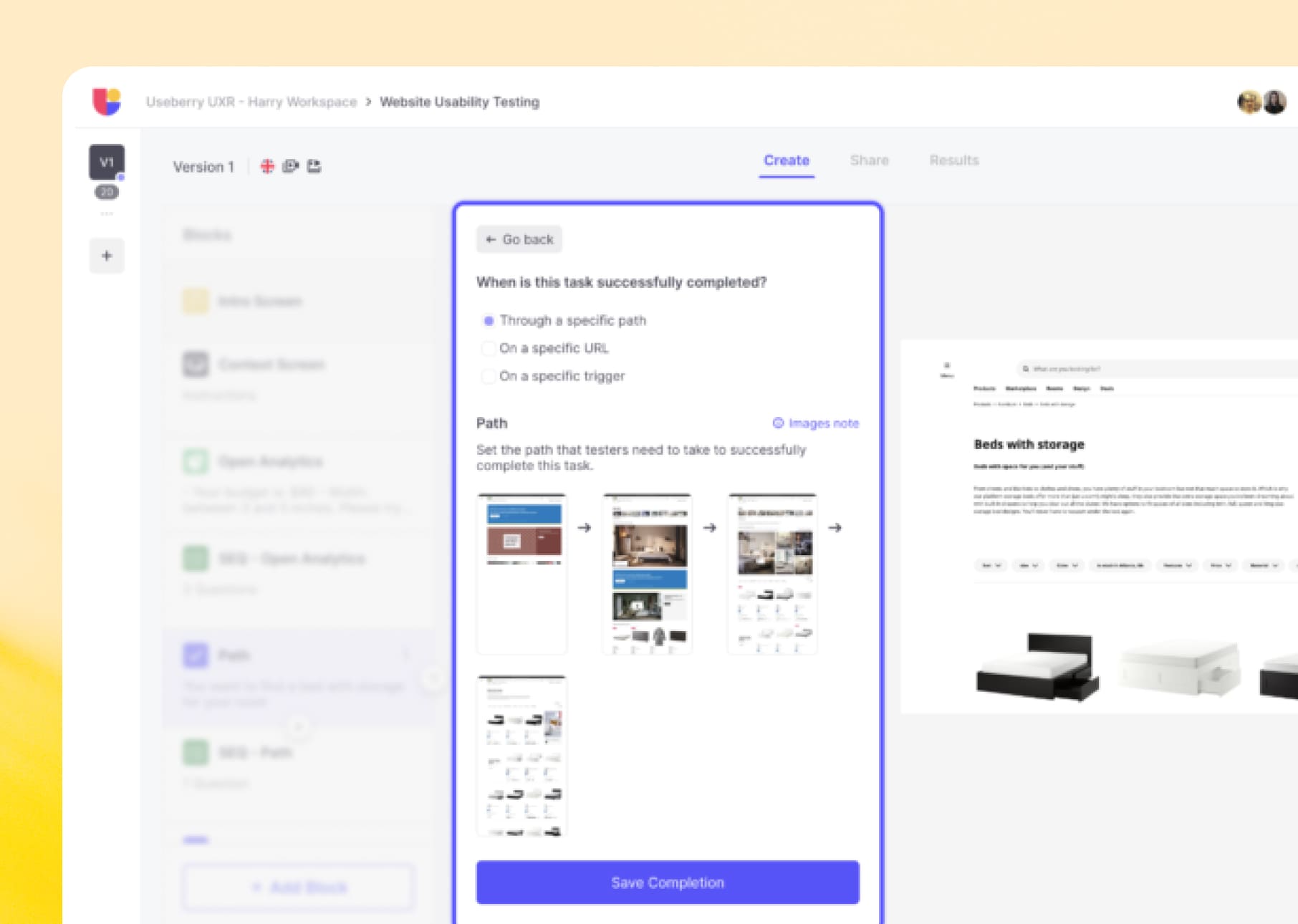
Import your Figma, Sketch or XD prototypes, create scenarios, and observe the real reactions.
02 /
Heatmaps and analytics
Visualise where users click, what they understand, what they miss.
03 /
A/B testing without coding
Compare two versions of your design, backed by numbers.
04 /
Integrated testers panel
Need real users? Useberry offers its panel, or you can invite yours.
Useberryis not alone in our toolbox



































Useberryfacing his cousins
We have done our research for you, and here is the verdict.
Criteria

We anticipated your questions.
It is known that entrusting your design to an external team,
raises some questions. Here are our answers.
Is it compatible with Figma, Sketch, and XD?
How long to launch a test?
Is it really useful?
Should we recruit testers?